
So, Eid al-Fitr is next week and you will be staying safe, staying at home, and not going around breaking the SOP during the CMCO, right?
Right?
Alright, this is actually the perfect time to pick up a new skill, fast. Here we have tips and examples from eight local Malaysian photographers. These photos are taken using an iPhone, however, the tips are applicable on almost all smartphones.
But, it won’t look as good.
Anyway, let’s begin with some basic tips on how to take better smartphone photos to get you started. Note that you can also use these tips for taking better videos.
- Lighting! Lighting! Lighting! Most of us don’t have studio lightboxes so use a window. Don’t turn you back to it, that’s too contrasting. Face it instead. Or, if you can, take your photos outside, during the day. An overcast is best because what you want is even natural lighting. The noon sun can be too harsh and you will be sweating anyway.
- If you are lonely with no family or friends around you to help or you don’t have a tripod with a phone holder when taking a selfie (shiver) hold the iPhone at arm’s length and try different angles like a profile or 3/4 profile to find interesting, flattering looks.
- In both cases, especially when shooting at home, look for props from everyday things such as plants or mirrors, and explore different angles or perspectives. Also, keep in mind your surroundings.
For phones on the iPhone. Not only can we flood our family and friends chat groups with unsolicited Eid photos, but we can also call them on FaceTime and take photos of each other.
In case you didn’t know, you can take photos of people you are talking to in FaceTime. This is extra useful when your loved ones, like a parent or grandparent, would do FaceTime with you, but are too shy to take pictures of themselves for you to keep.
Here are some tips to make your FaceTime look good:
- For the best quality image, and to try different framing, mount your iPhone on a tripod or prop it up and use the rear-facing camera for FaceTime.
- FaceTime allows you to capture Live Photos, so you can choose a different keyframe. Go to Edit > Live to select the perfect frame.
- Try using filters to add contrast and a lo-fi look to your FaceTime photos, or try black and white for a dramatic look.
These are just basic stuff. So now let’s take a look at how the professionals do it.
Ahady Rezan (Hux) – IG: @huxsterized
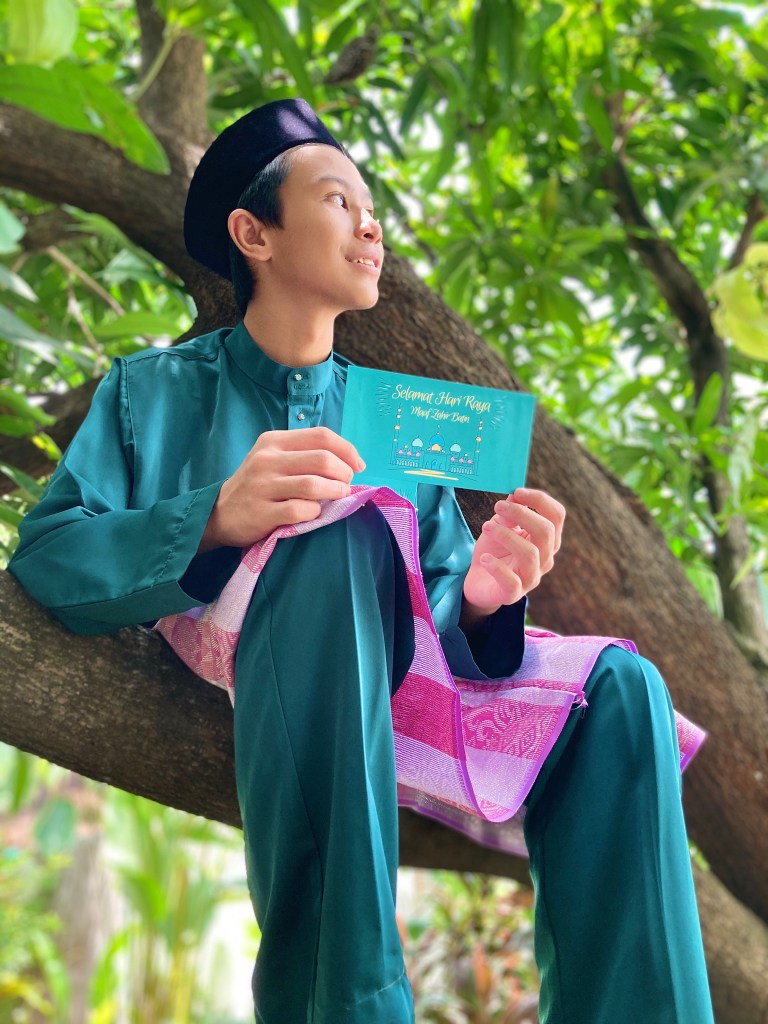
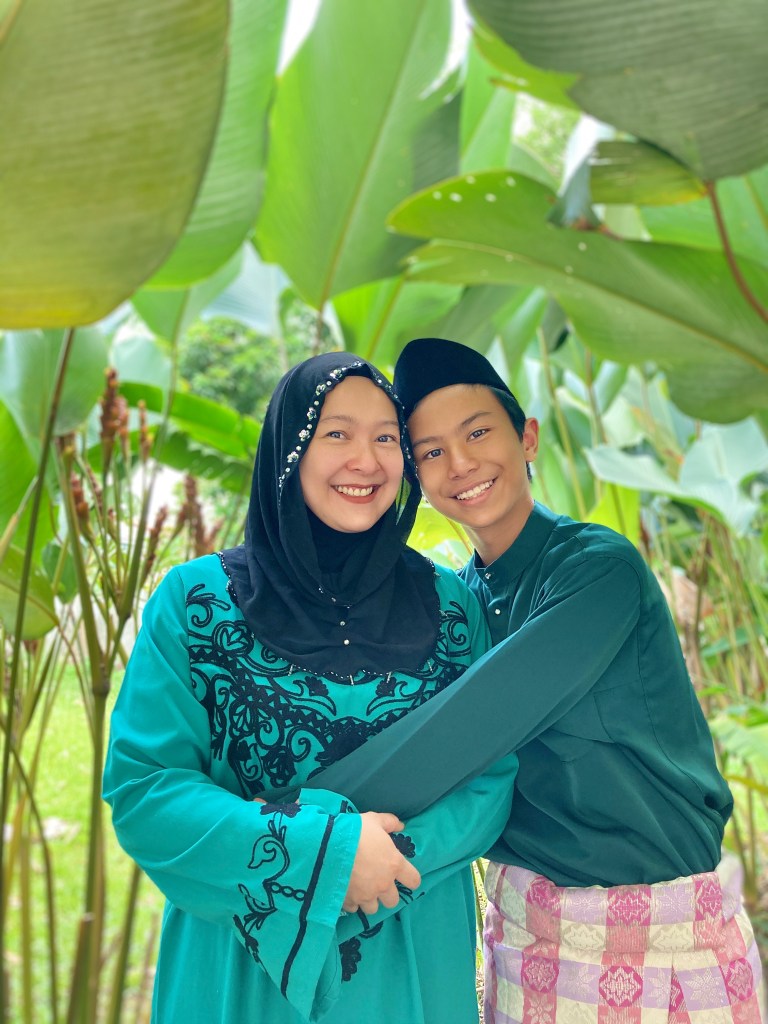
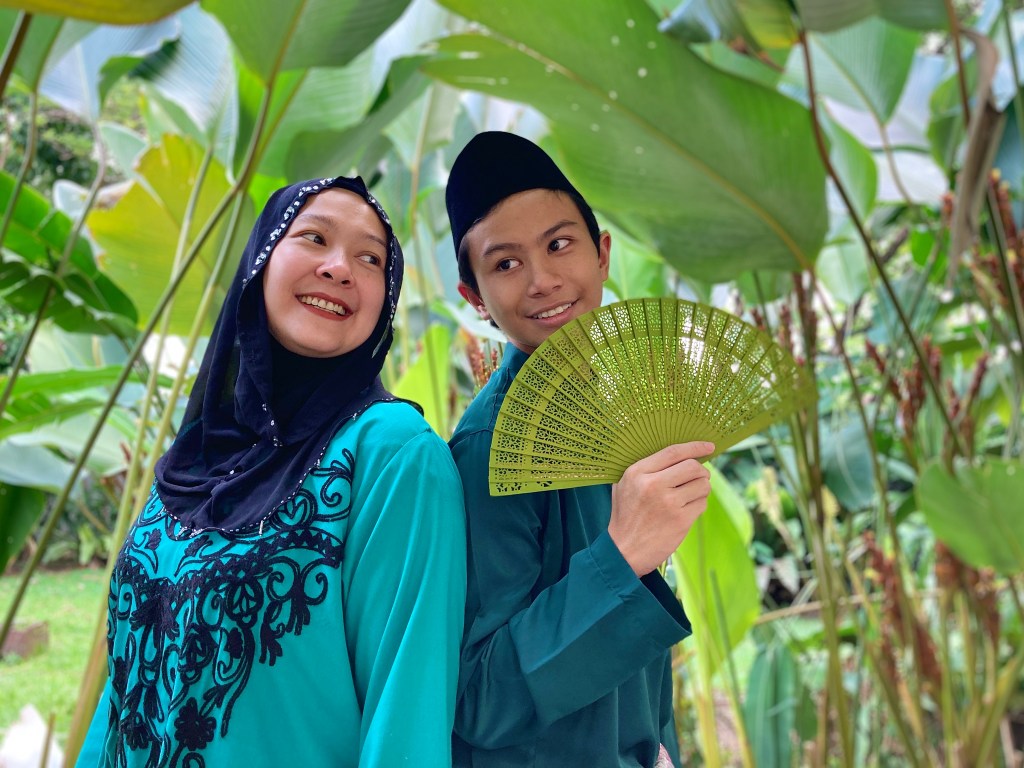
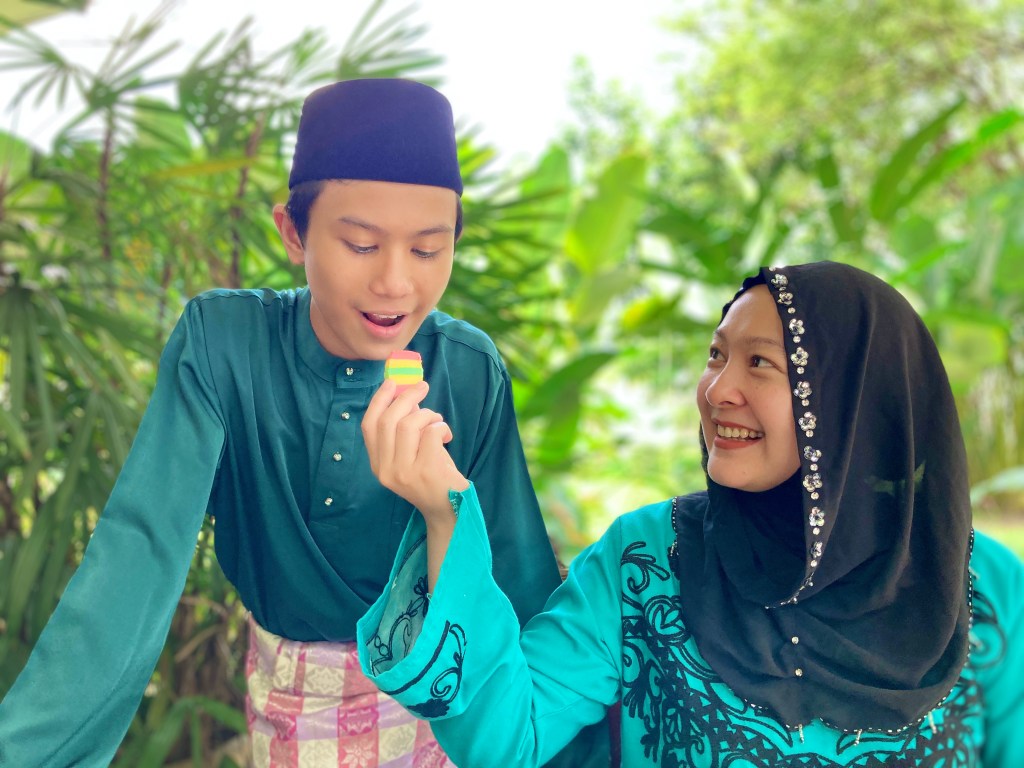
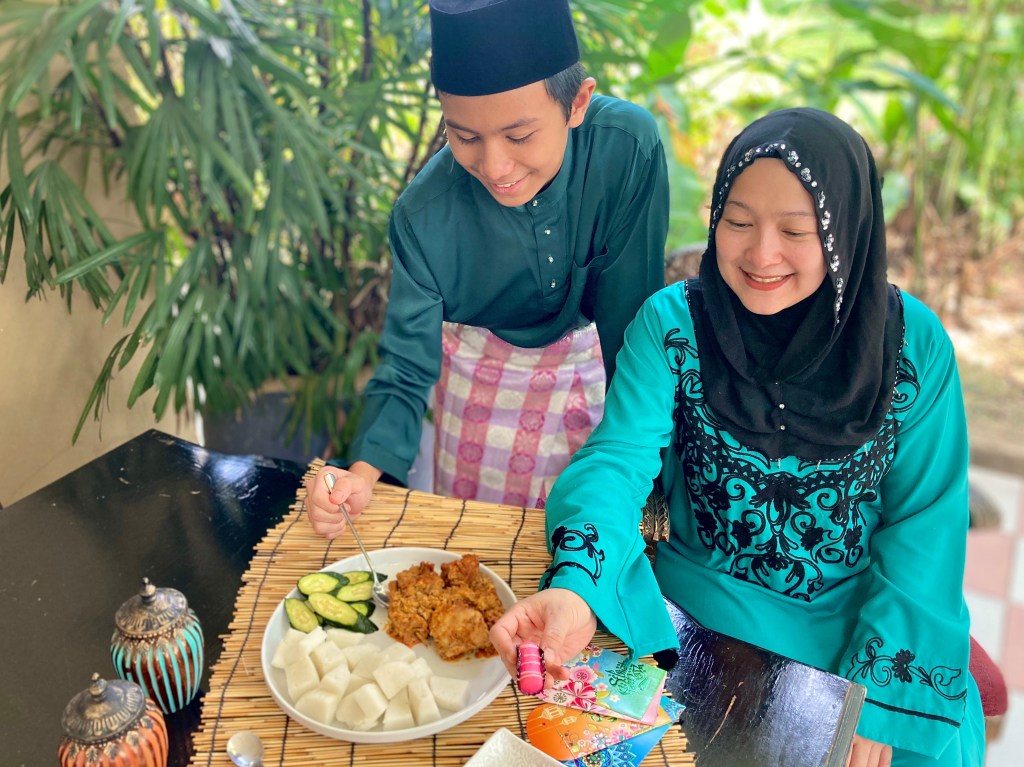
Here Hux is stuck at his family home with 13 other family members (lucky him) since the start of the MCO (doesn’t the SOP of 20 people per household make more sense now?). Anyway, he is also one of the lucky ones who has an iPhone SE.
His advice:
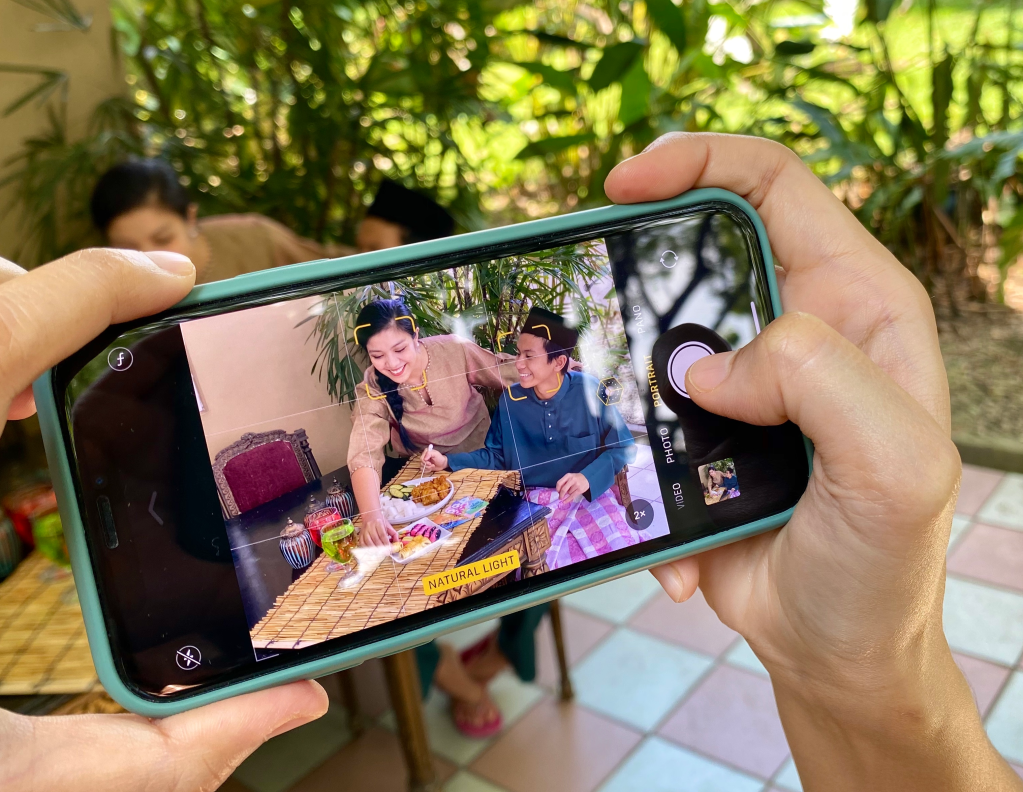
- Use gridlines to balance your shot. One of the easiest and best ways to improve your mobile photos is to turn on the camera’s gridlines.
- Play around with colour blocking. Colour blocking can help to highlight the elements of a photo that you want to stand out, like a plant or something else with a bold hue
- Find different perspectives. Taking photos from a unique, unexpected angle can make them more memorable – it tends to create an illusion of depth or height with the subjects.
- Avoid zooming in. Instead, try to get closer to your subject – or take the photo from a default distance, and crop it later on.
- Set your camera apps exposure manually. Tapping your screen when your phone’s camera is on doesn’t just refocus the lens on a new subject – it also automatically adjusts how much light the camera lets in.
- Take candids. That’s because candid photos are better able to effectively capture the emotion and essence of a moment.
Udey Ismail – IG: @udeyismail
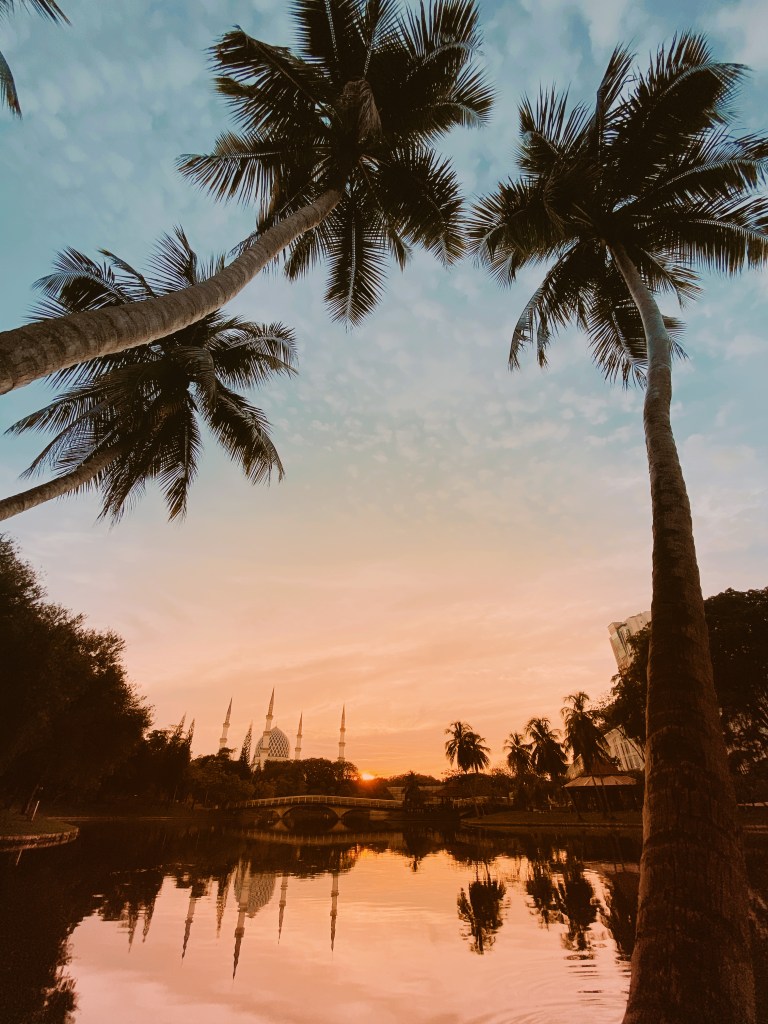
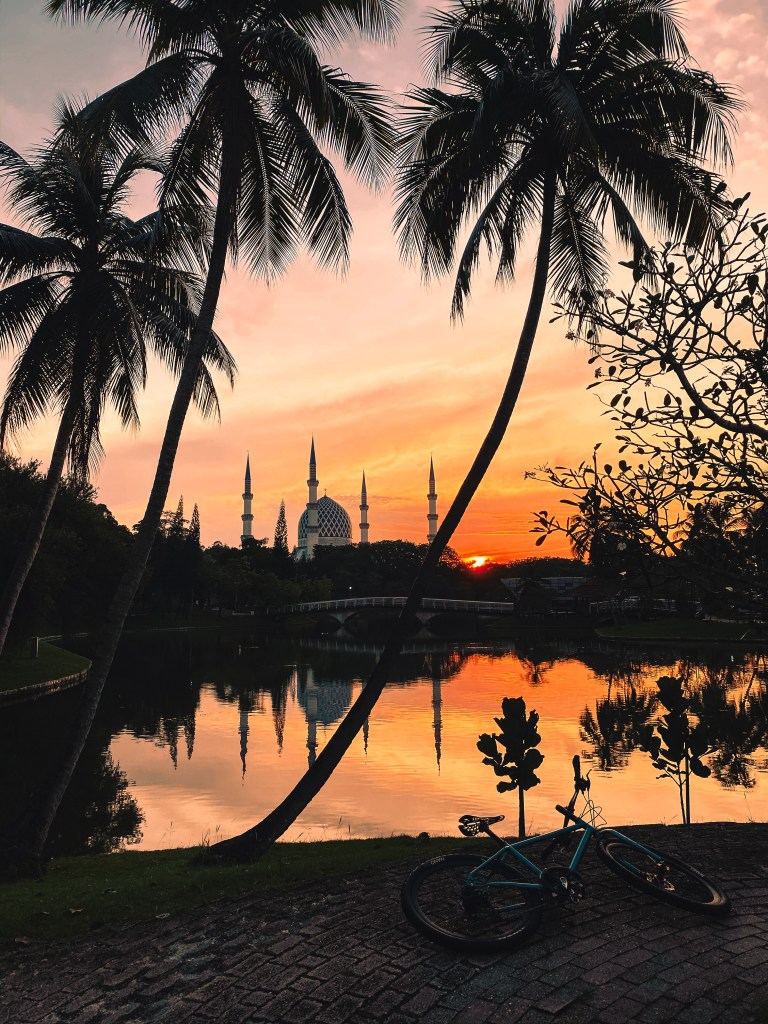
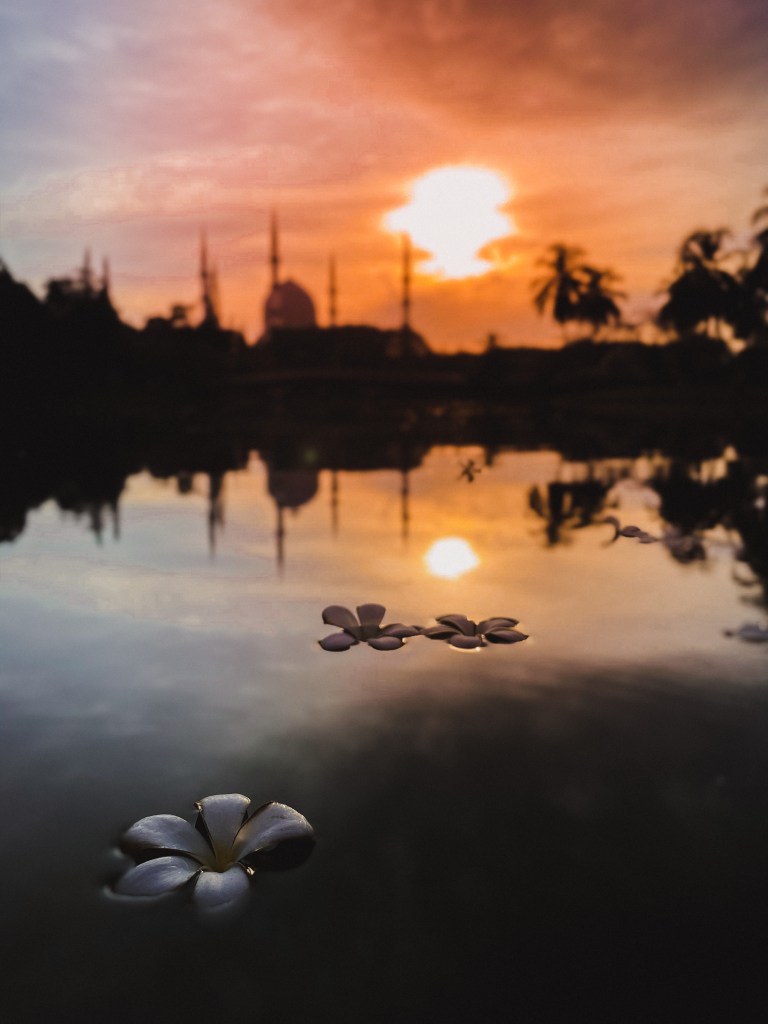
Udey’s photos are surreal. He focuses on moments and landscapes while taking full advantage of the lowlight capabilities and wide-angle lens on his iPhone 11 Pro Max.
Aazmeer Iskandar – IG @aazmeeriskndr
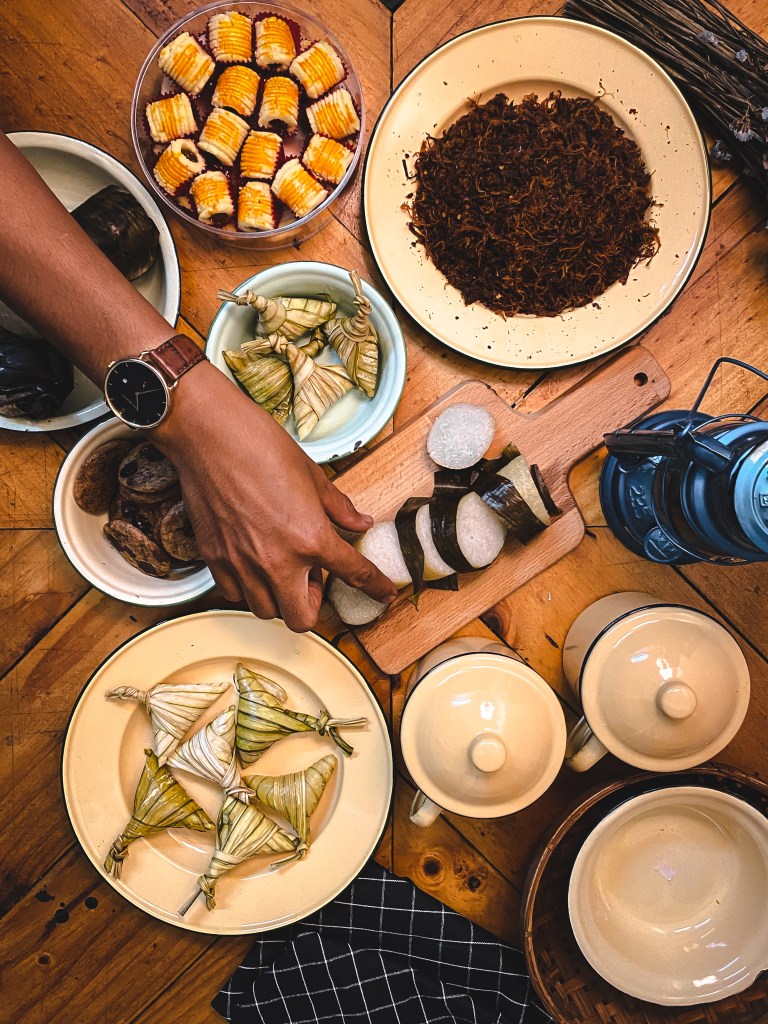
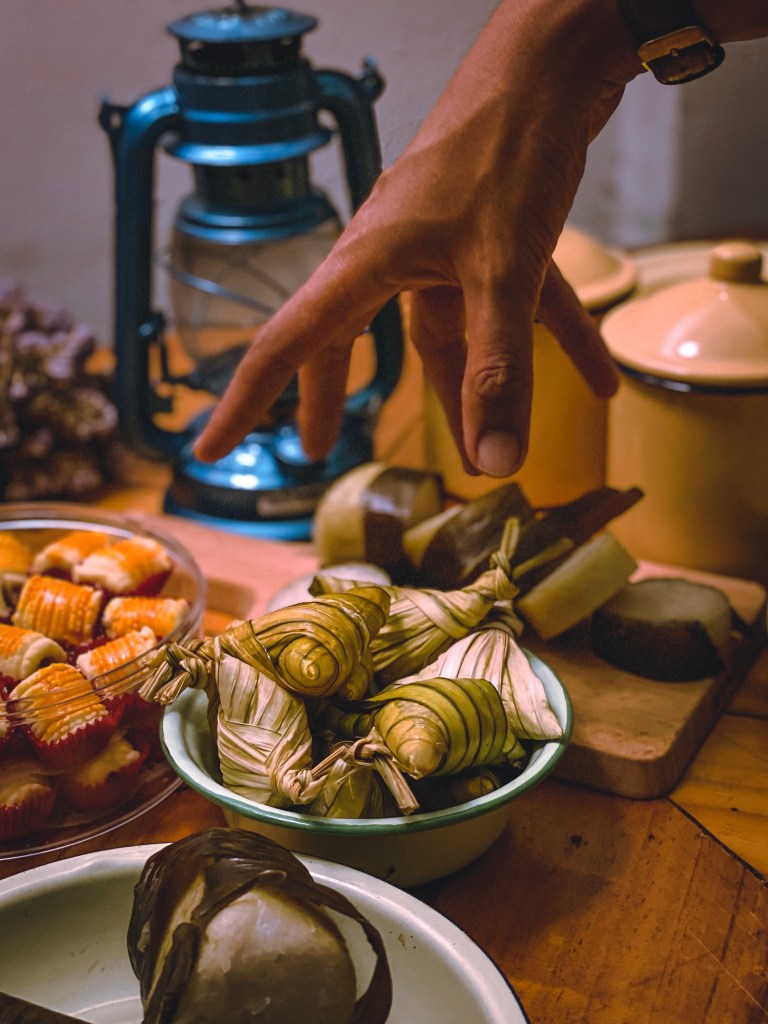
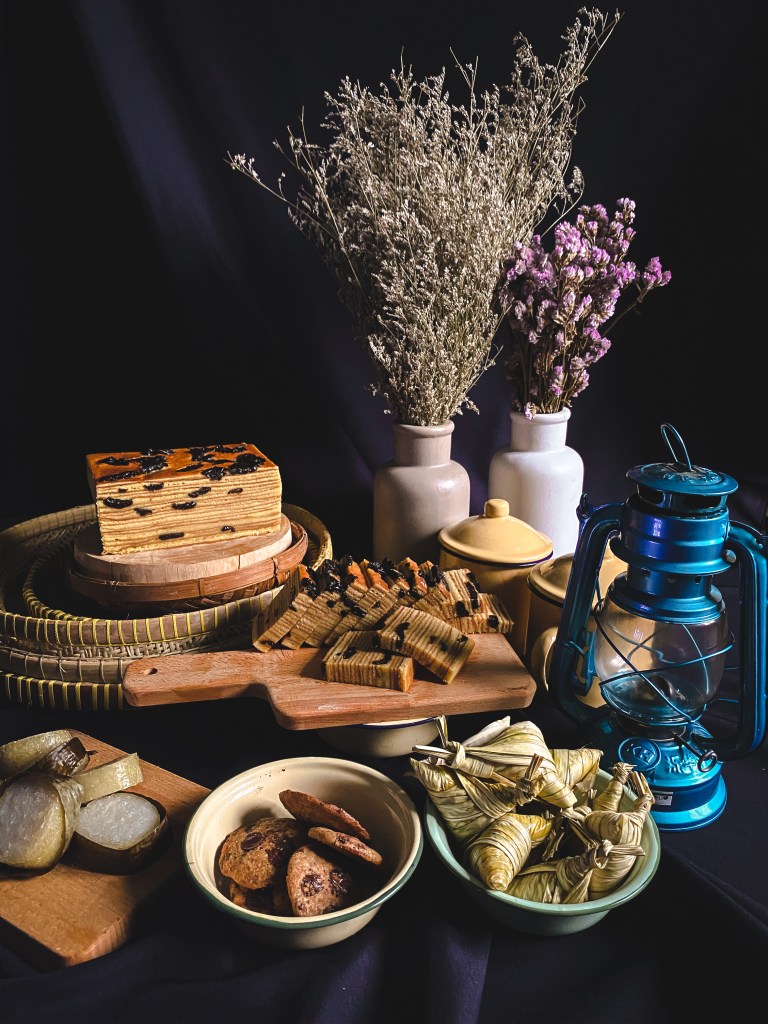
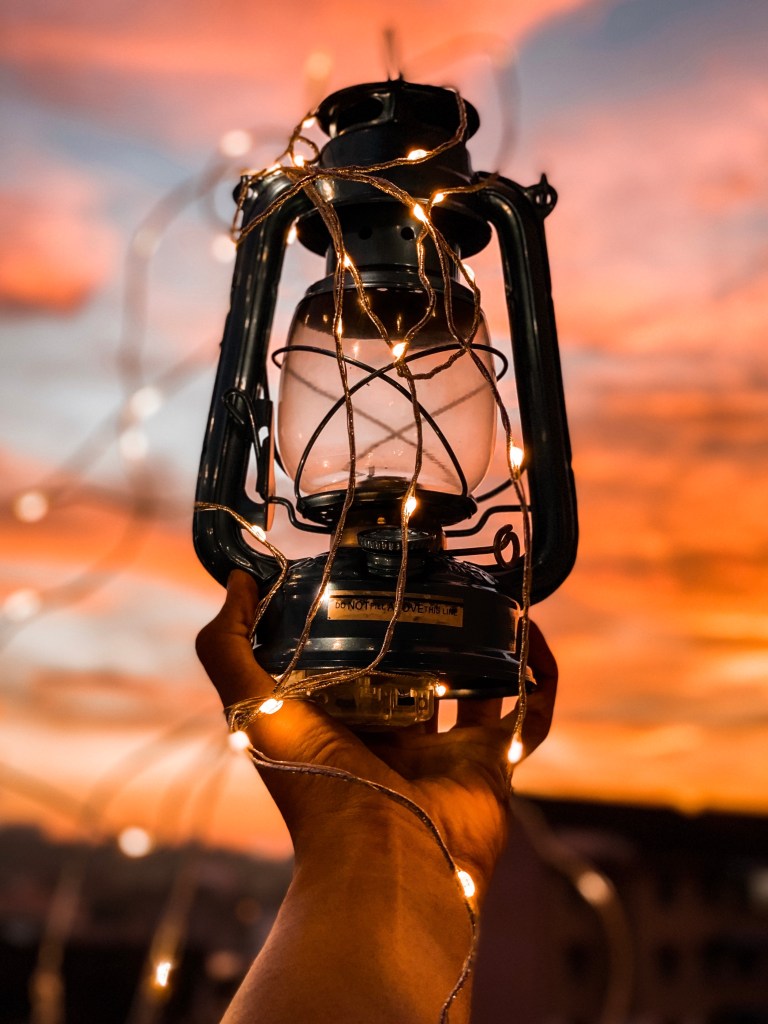
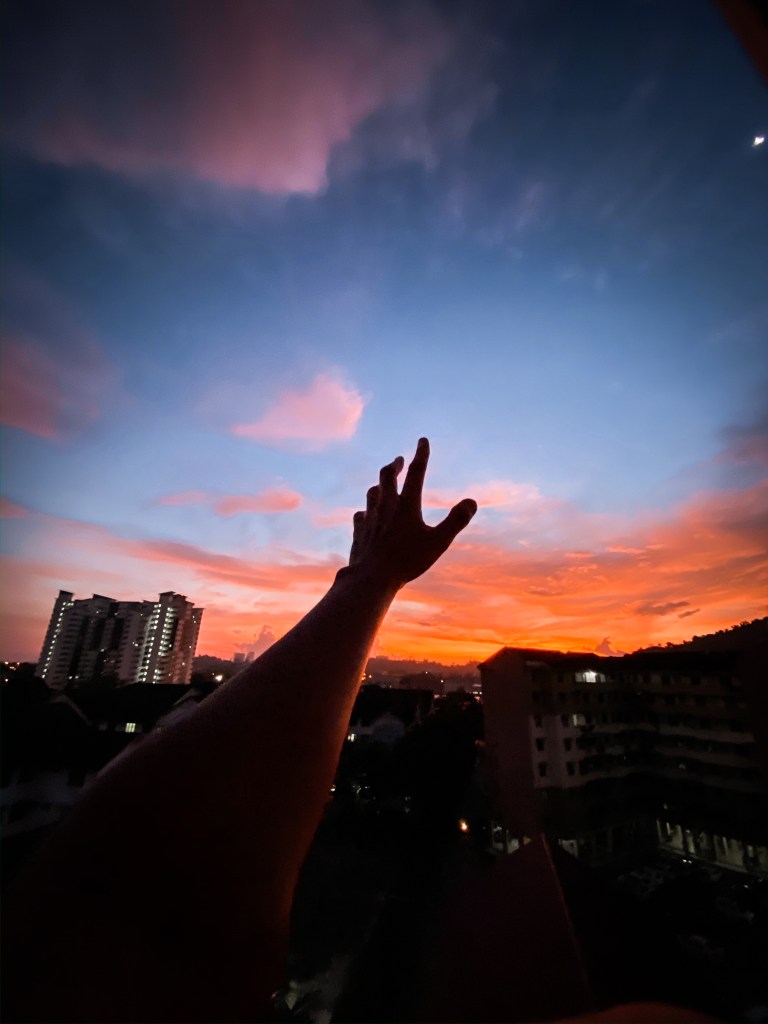
A police officer and frontline by day and one heck of a smartphone photographer whenever he can. Aazmeer takes full advantage of the iPhone 11 Pro Max’s Smart HDR to take photos at sunset, sunrise. Look at how he uses perspectives.
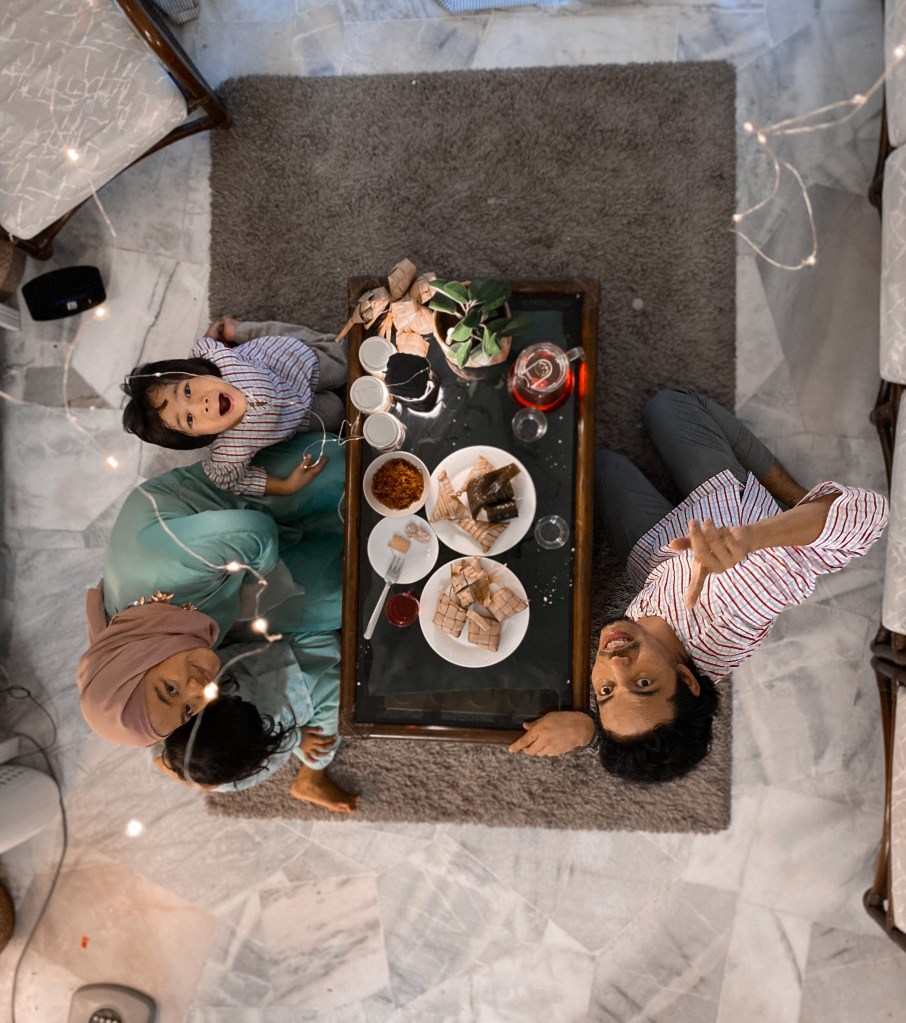
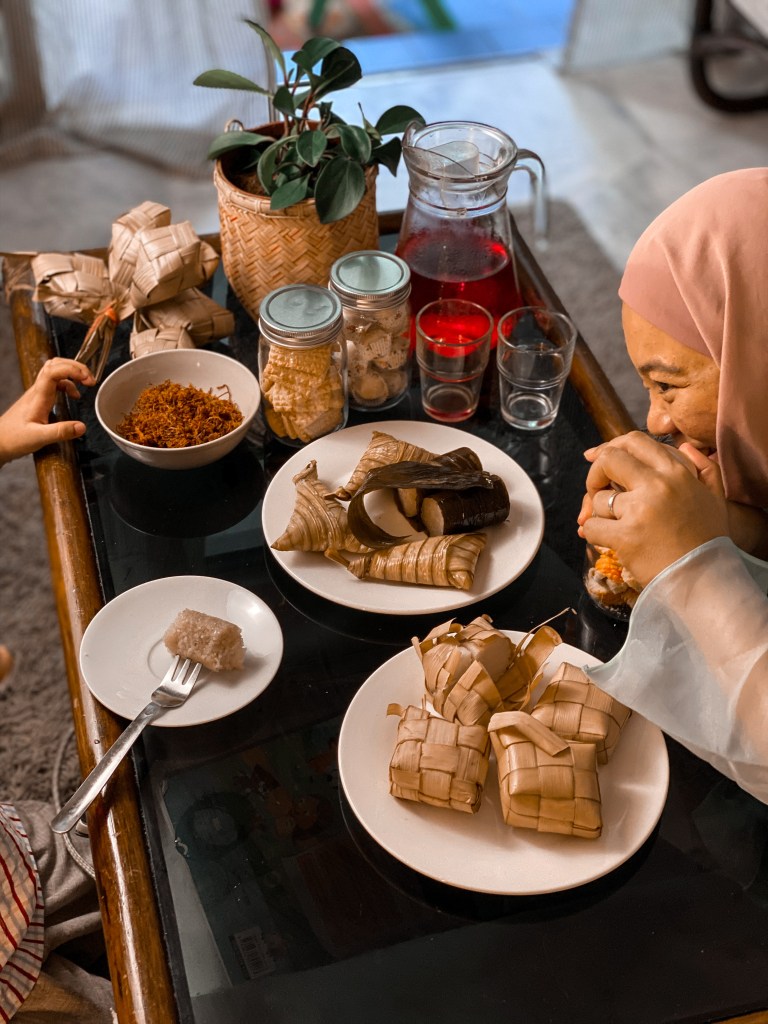
His advice is to get creative with food photography this year. Use whatever you have around the home to make your photos look interesting. Additionally, for that extra punch, use portrait mode and manually adjust the aperture for outstanding food photography.
Khairul Amin – IG: @k__amin
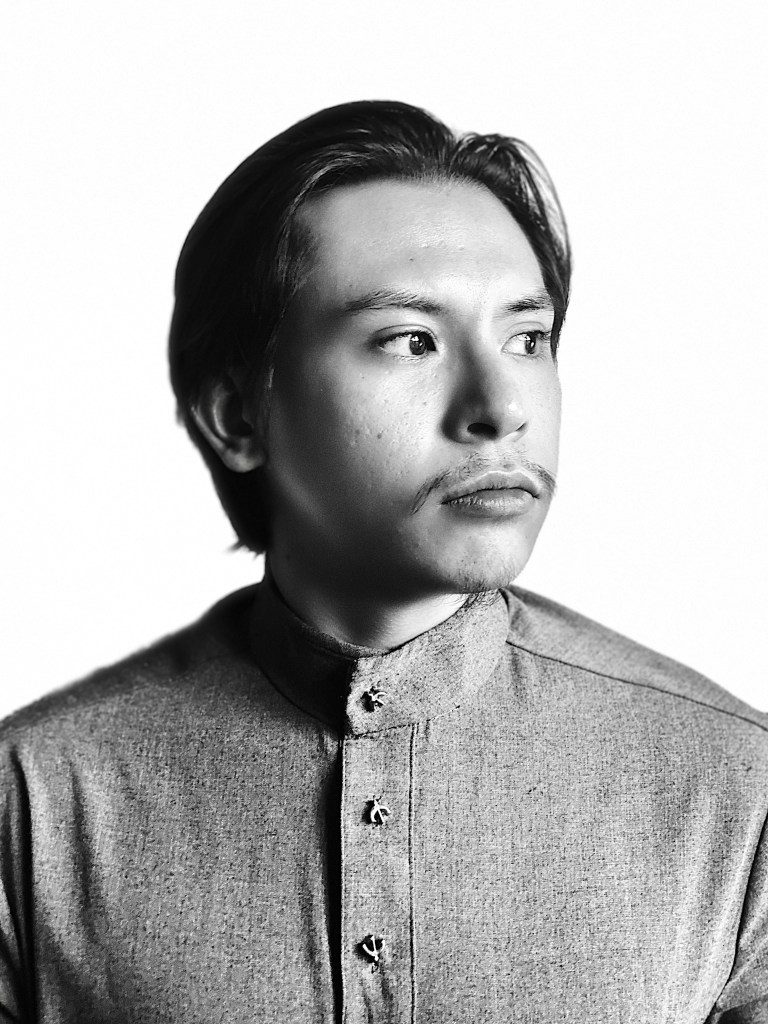
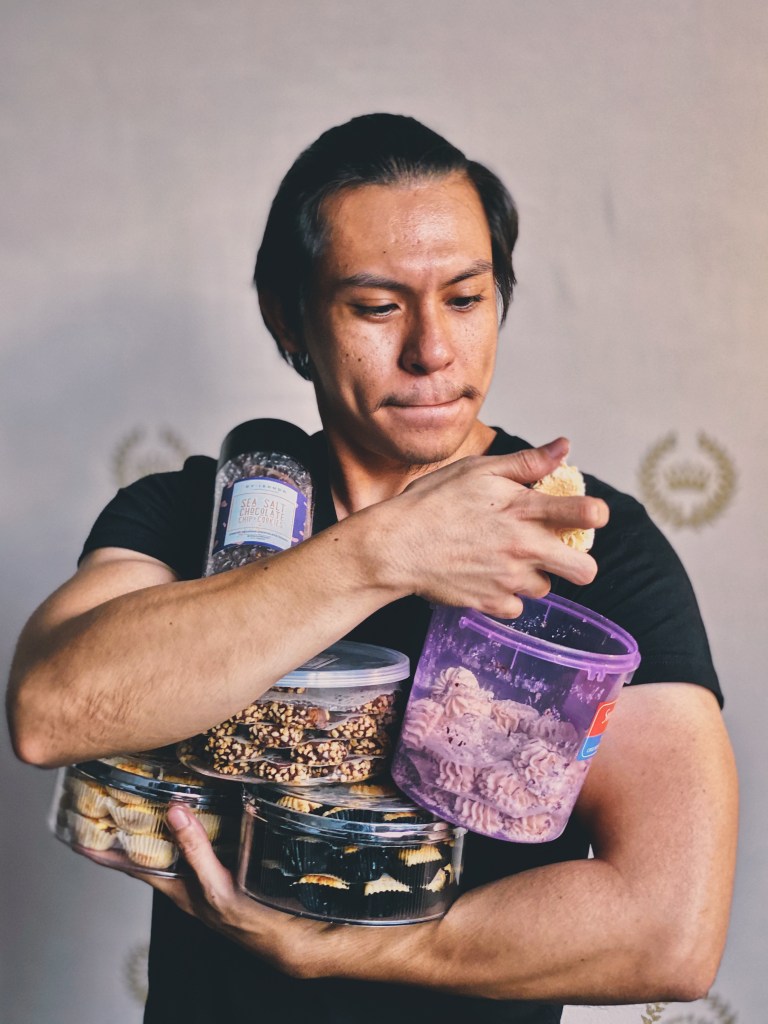
Processed with VSCO with e5 preset 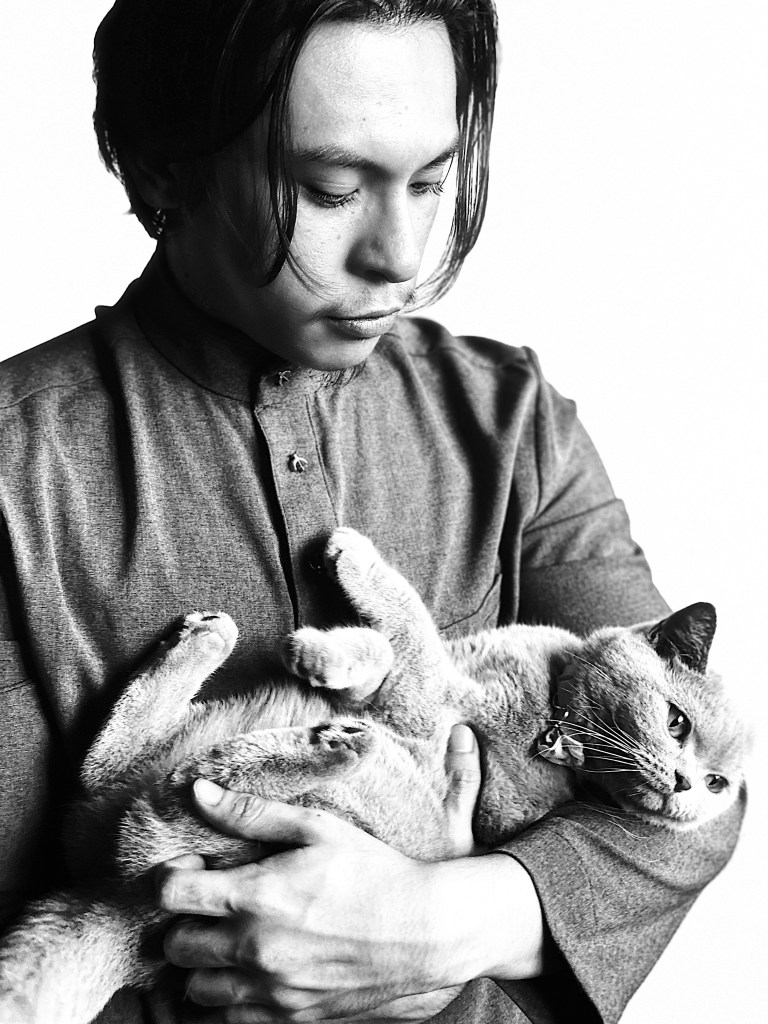
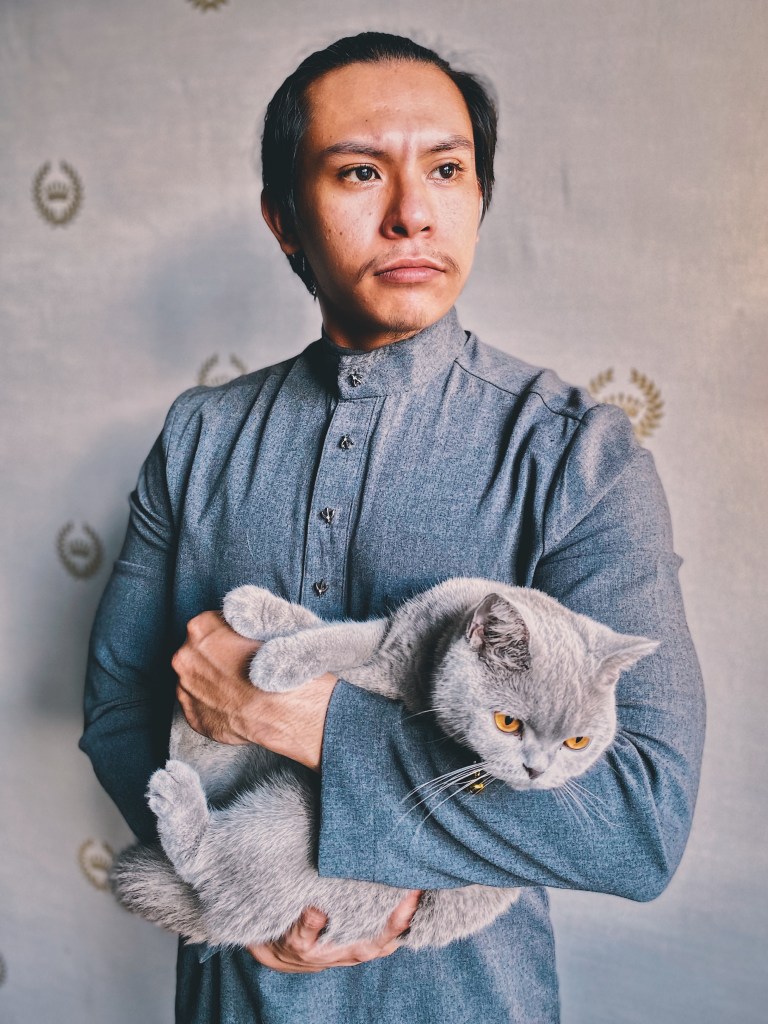
Processed with VSCO with e5 preset 
Processed with VSCO with e5 preset
Aspire to take some self-portrait? Khairul suggests using the High-Key Light Mono in Portrait mode to take some stunning one. It helps that he has an iPhone 11 Pro Max.
His advice:
- Always try to use the natural light that flows into your home during 5-7pm because the light is softer and warmer which are suitable for any kind of shots.
- Make sure to lock your exposure first on the screen to enable you to freely move without needing to lock again.
- Try something new, something conceptual, something fresh. Look for inspirations from your surroundings (eg, movies/wallpapers/comic books/ novels/ music videos/ music album cover etc. ) and try to create an idea. Use your imagination.
Shaz Sharif – IG: @moksva
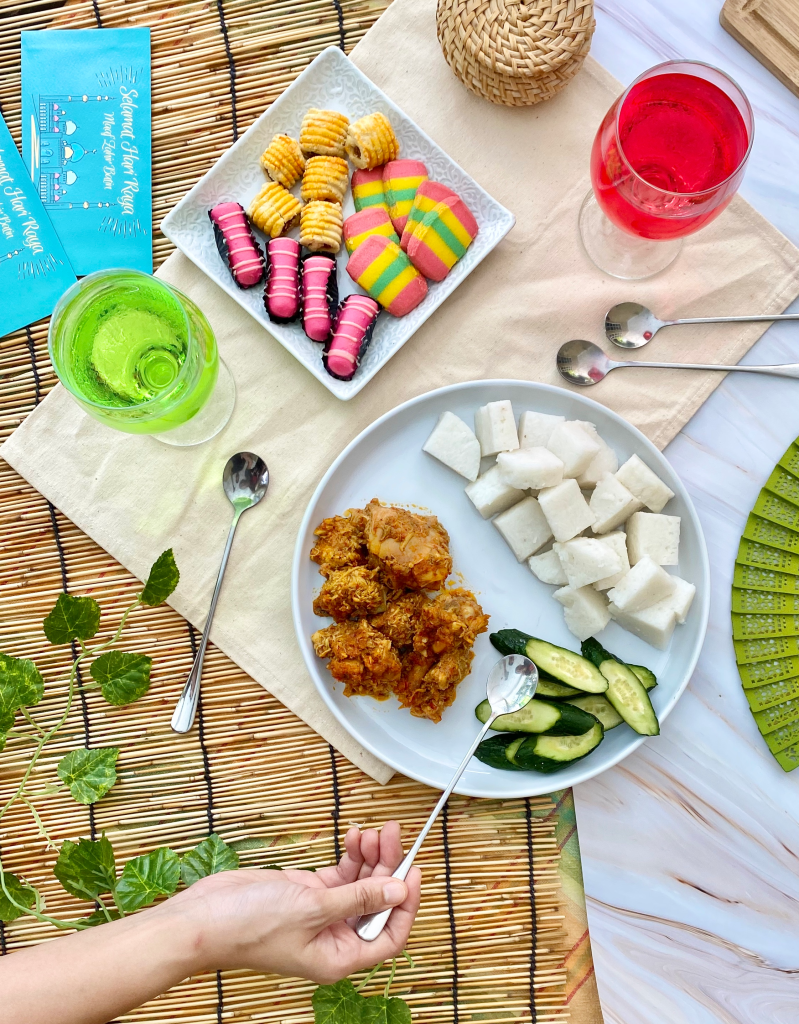
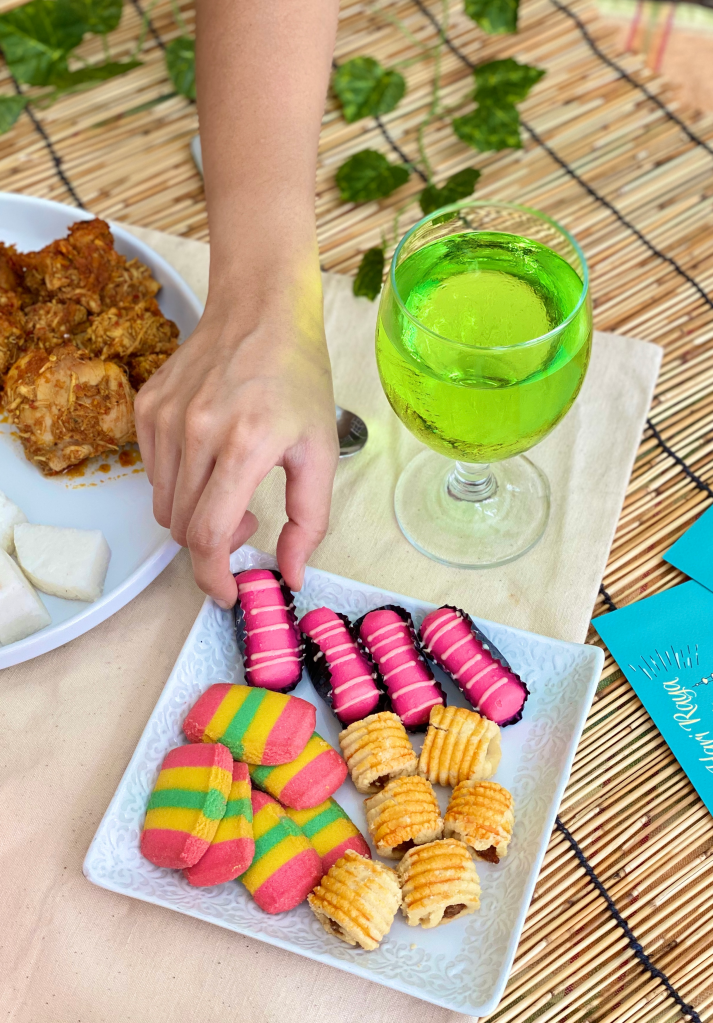

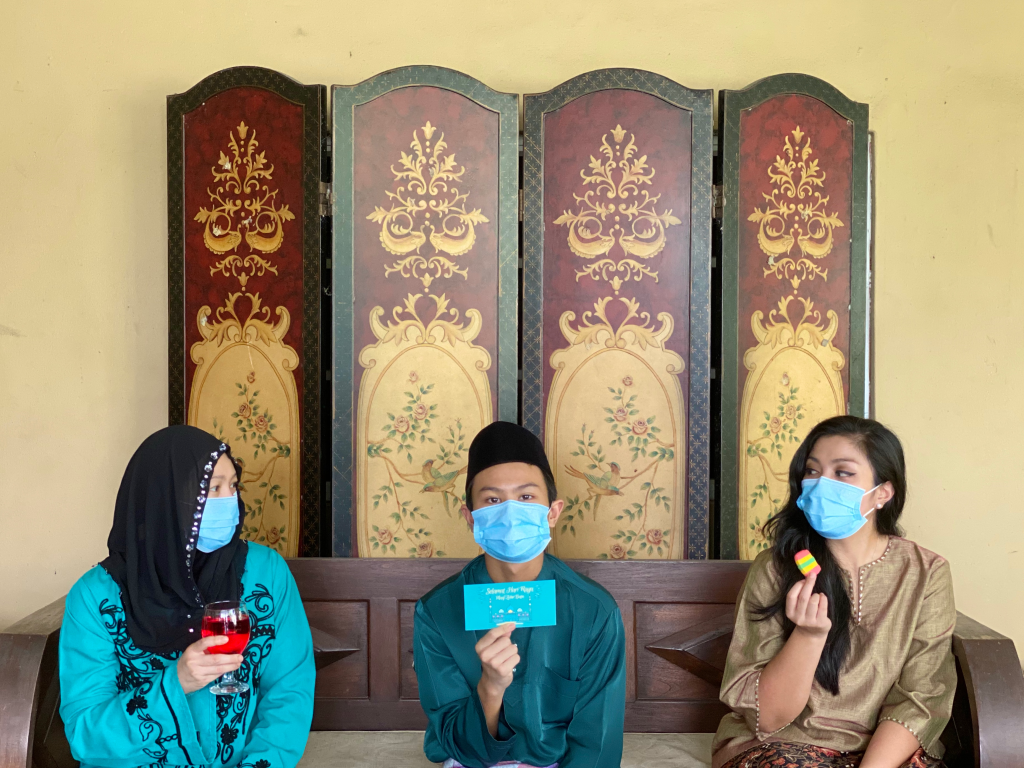
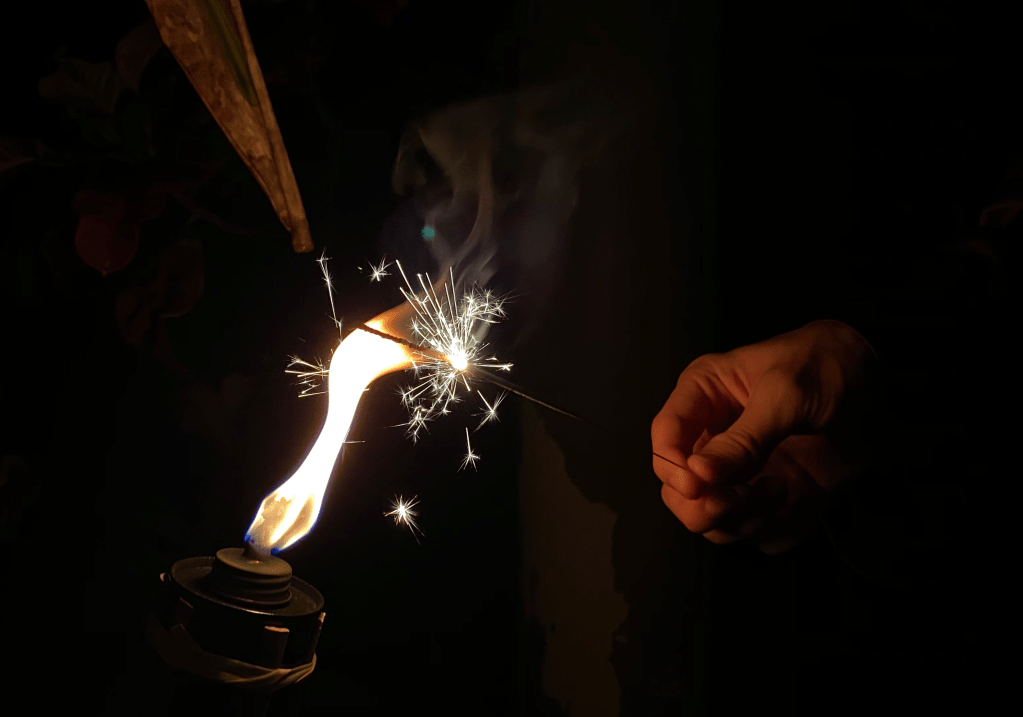
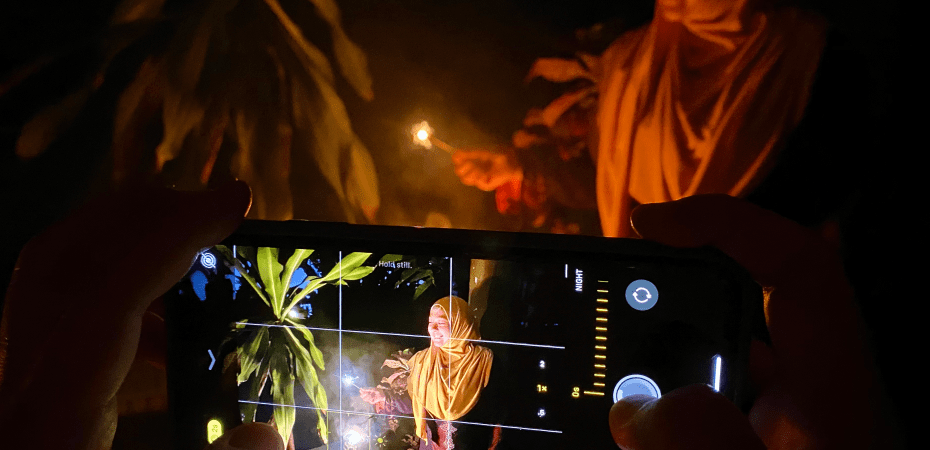
Hux’s wife shared some of her tips on taking great flat lay (top-down photos) or making use of Night Mode. she uses an iPhone 11 Pro.
- Play with composition and more importantly colours to make your shot more interesting
- Turn on your camera’s gridlines and use it to balance your shots. Remember the run of thirds.
- Use natural light, so try to get outdoors or otherwise near a window should also do the trick.
Amsyar Naaif Shahmaruddin – IG: @amsyarnaaif

Created with RNI Films app. Preset ‘Fuji Pro 400H’ 
Created with RNI Films app. Preset ‘Agfacolor 50’s Muted’ 
Created with RNI Films app. Preset ‘Agfacolor 50’s Muted’ 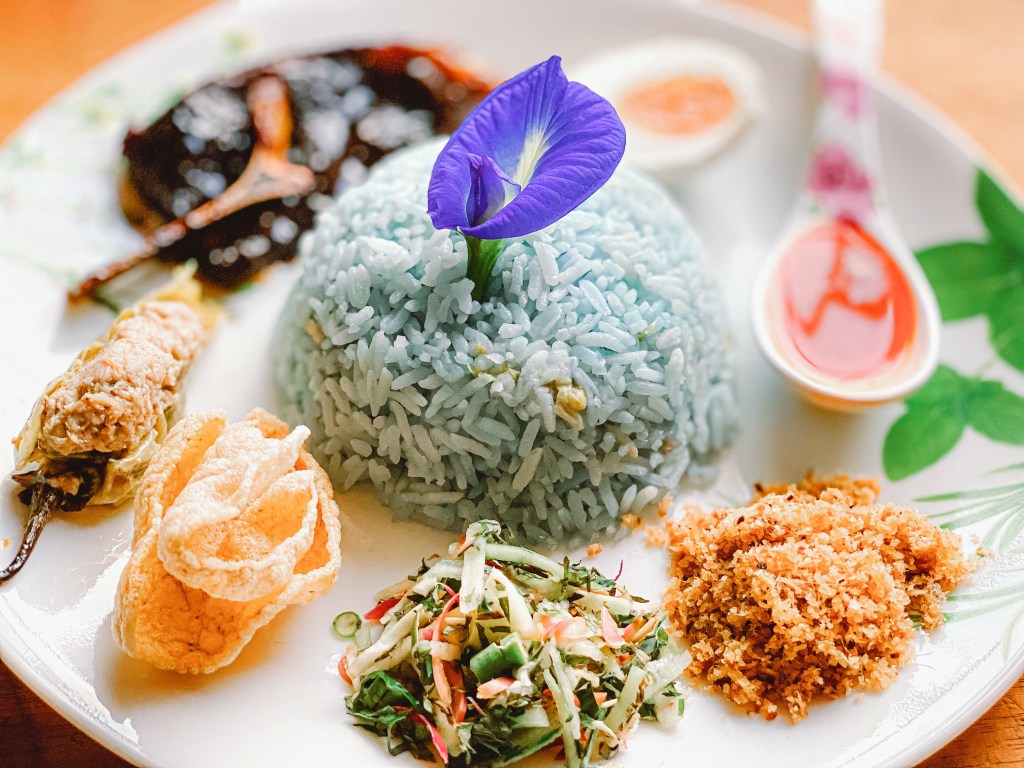
Created with RNI Films app. Preset ‘Fuji Superia 200 v.4’ 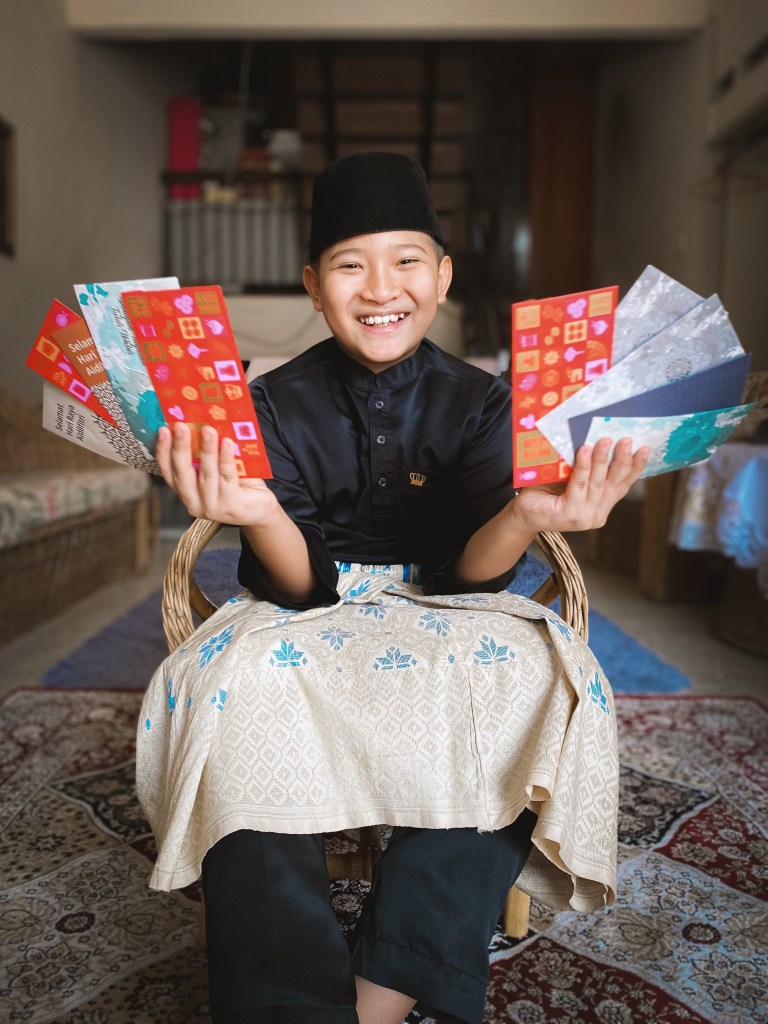
Created with RNI Films app. Preset ‘Kodak Portra 160 v.3 Faded’
Amsyar proves that Portrait mode is not just for portraits. He uses an iPhone 11 Pro
His advice:
- Lighting – Find a natural light especially at sunrise and sunset. Shoot near the window or door as a source of beautiful soft light that can really make your photos pop. Avoid dark places unless you want to use Night mode and if possible, you may use additional lighting.
- Show depth in your photos – most photos look better when they convey a sense of depth. Creating depth helps the viewer’s eye into the scene especially when you shoot a close up the subject. Portrait mode can help this trick look amazing and professional!
- Incorporate the environment – Don’t forget to incorporate the surrounding environment into your shots. Sometimes stepping back and including more of the elements around the subject of your photograph can really help to give extra context to the story you’re capturing.
Anwar Yusli – @nuar_yuslli
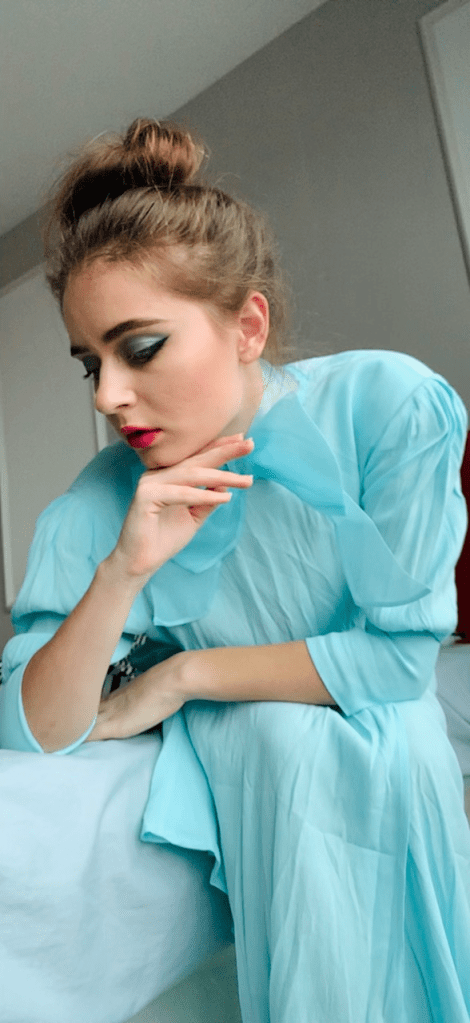
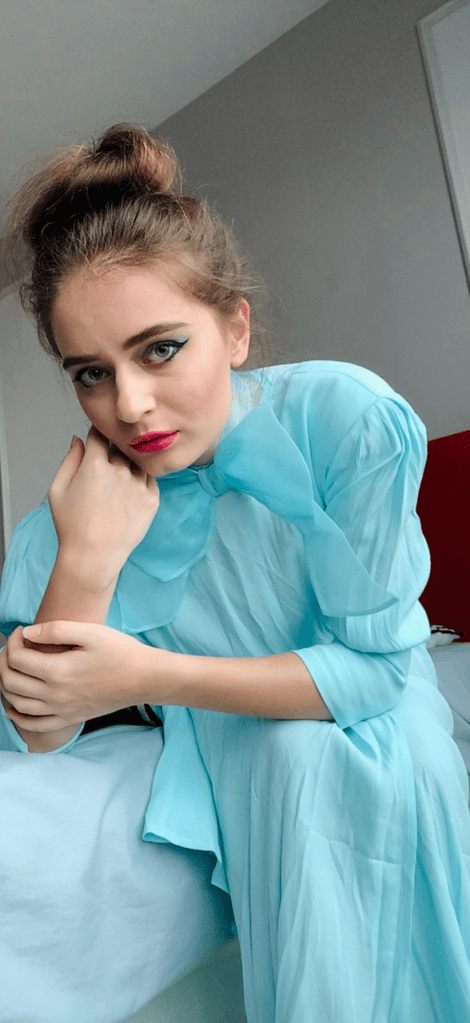
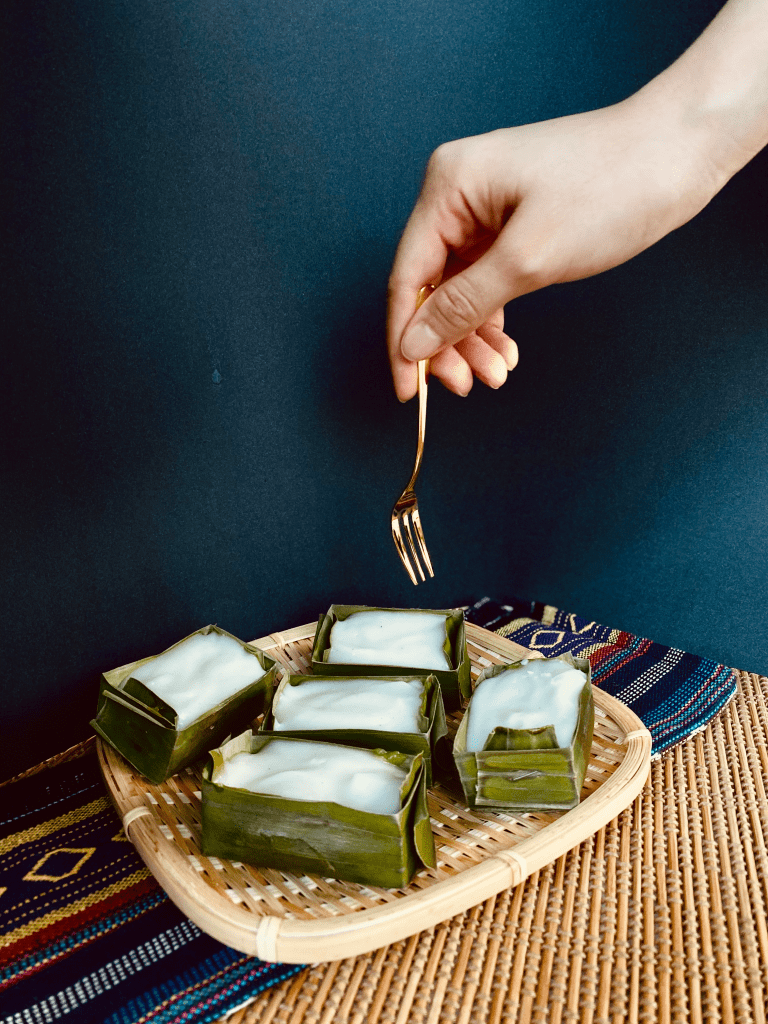
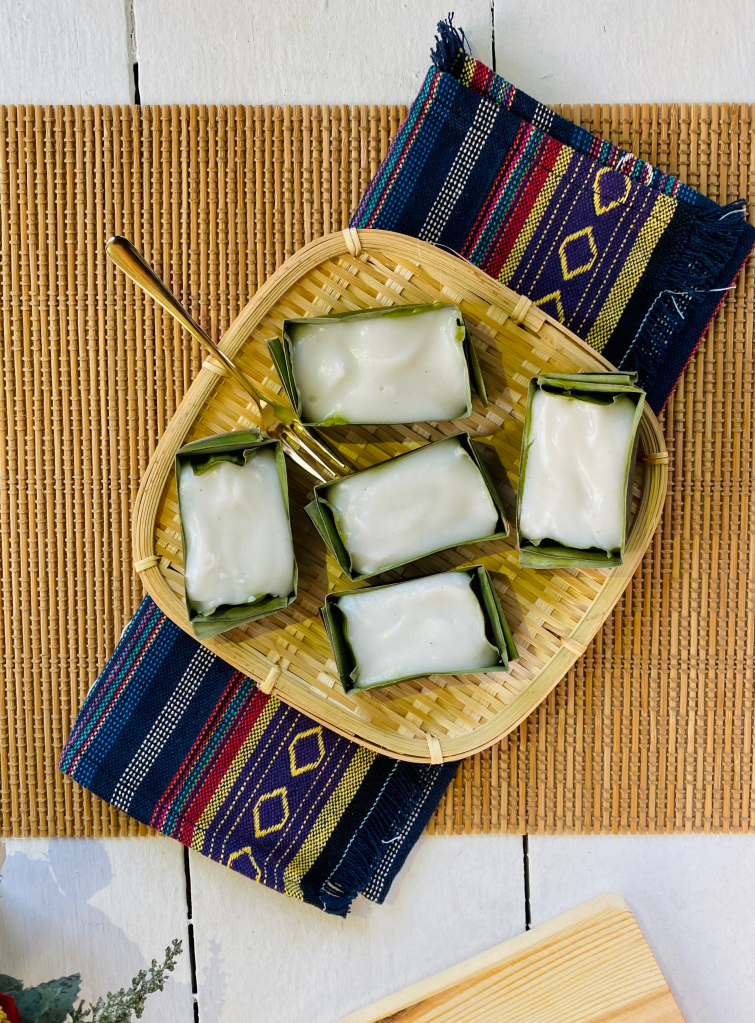
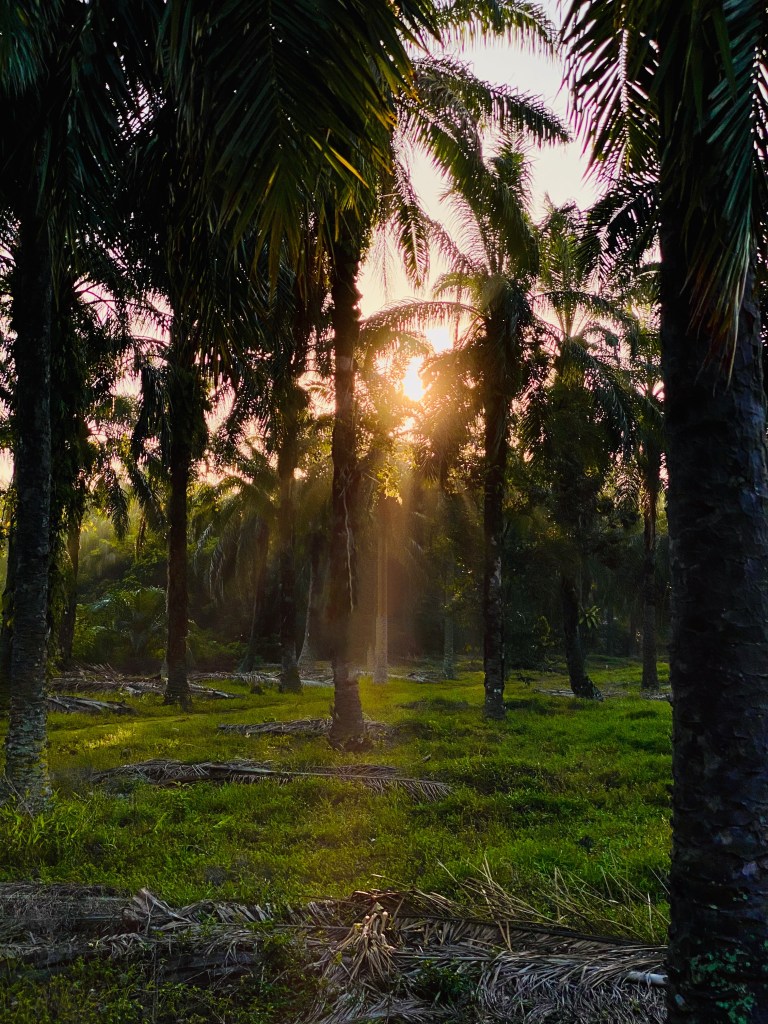
Portrait mode, Night mode and Smart HDR are just some of the features iPhone 11 Pro that Anwar took advantage of.
His Advice:
- Always be creative and think outside the box, as you stay at home make use of your environment.
- Preparation, set up before your photos and visualize what you want the photo to look like.
- Adapt to the elements, especially for sunset and sunrise photography, make use of clouds or trees.
Sufian Ghaffar – @iamod_
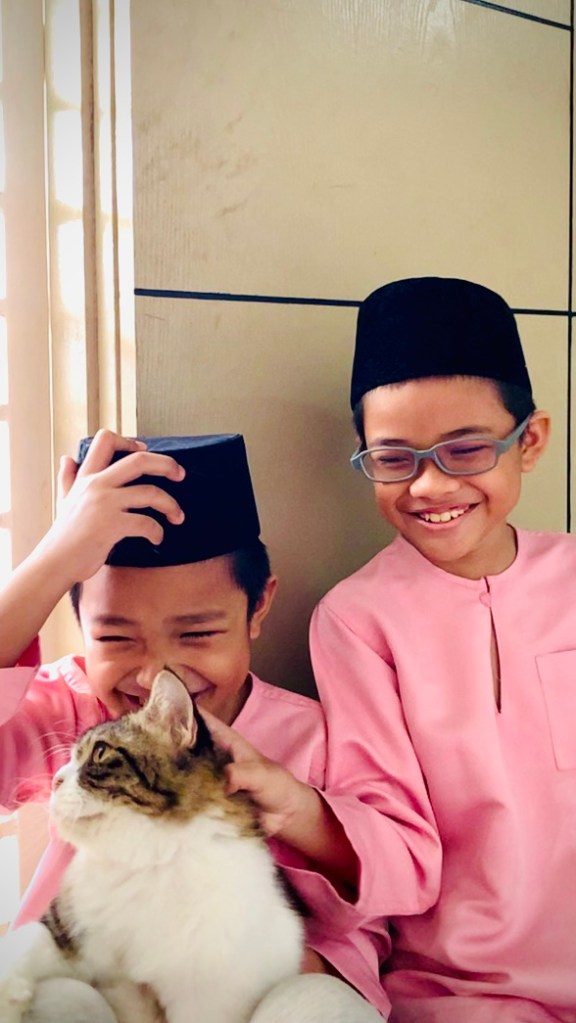
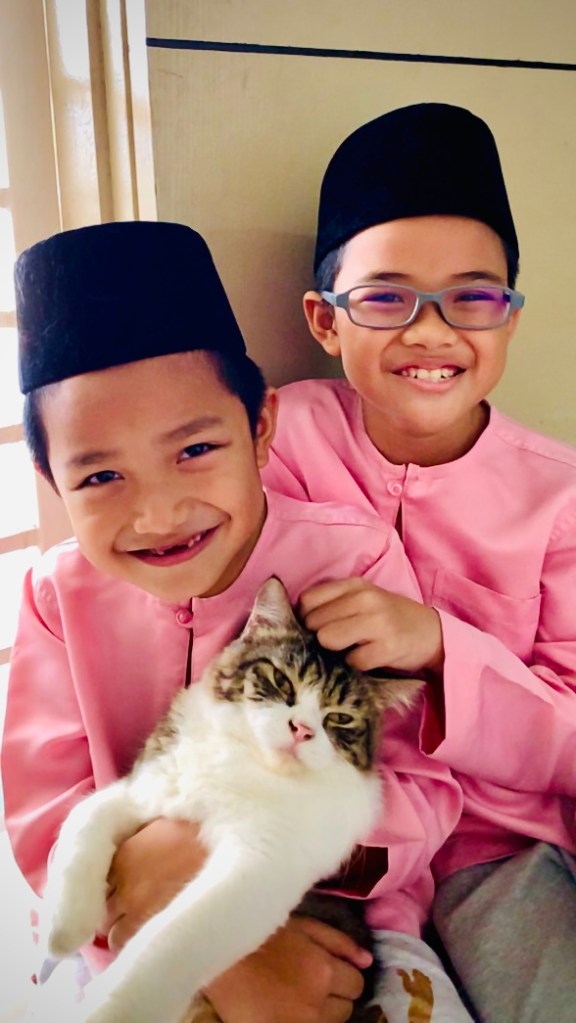
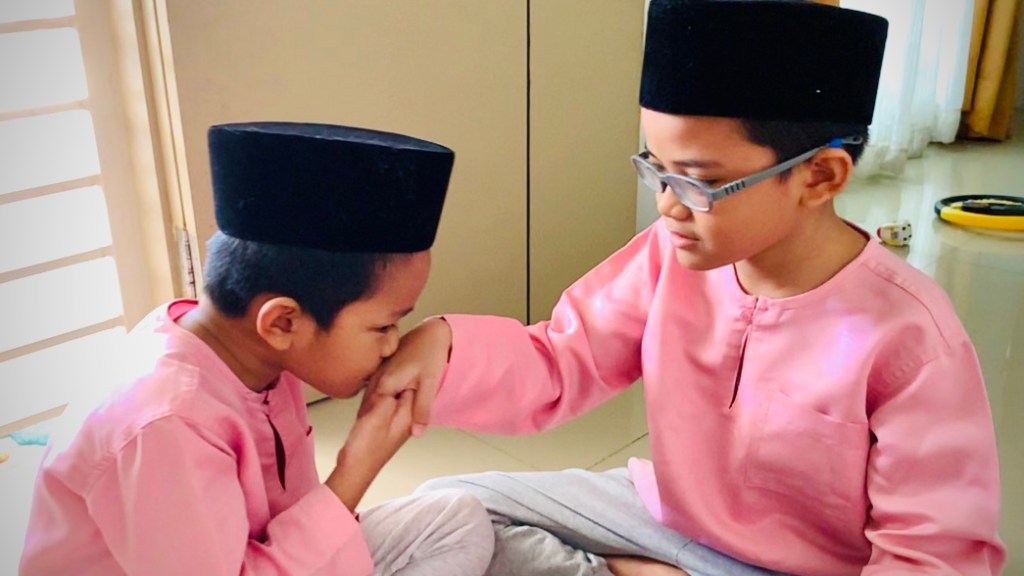


For Sufian, the MCO is the best time to explore photography. For him the restrictions breed creativity. He used FaceTime for his portraits of his nephews in Sarawak, noting he still managed to captured the moment and joy as if they were in front of him.
His advice:
- Props/objects, don’t be afraid to use them in your photos especially if they link to what event you are capturing
- Use iOS editing tools, these are so easy for editing and even provide filters.
- Make use of technology like FaceTime to feel closer to your loved ones and still be with them even when you can’t physically see each other.
 Azizul Rahman Ismail