


If you have caught me at the grocery store you might have seen a guy with a surgical mask, furiously swiping up on his iPhone (not in picture). I put my groceries list on Reminders, it made sense.
To minimise risk I want my shopping to be as efficient as possible, and lists reduce overspending. There is nothing more dangerous than shopping while hungry, especially during Ramadan.
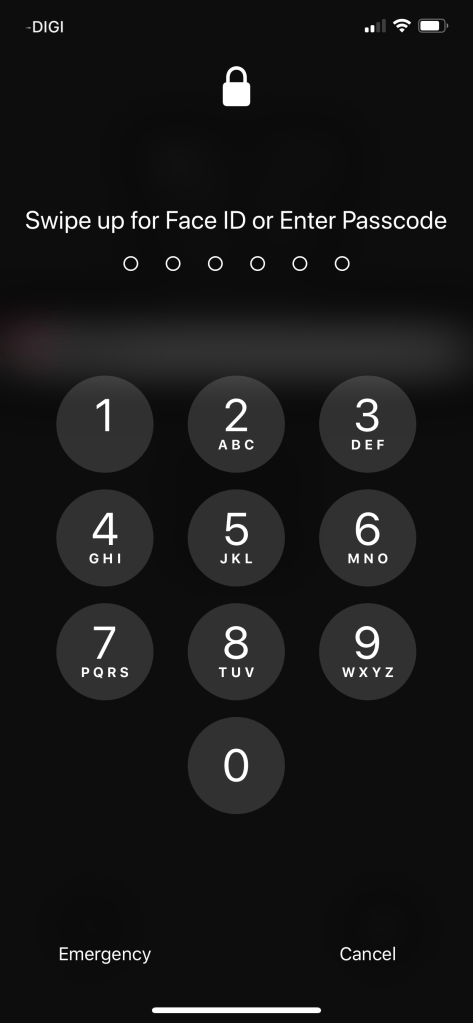
But, the damn thing not only won’t unlock. It won’t even give me the passcode option half of the time. It tempted me to take off my mask and made me miss fingerprint scanners. But, no, I usually continue frustratingly locking, unlocking and swiping up on my phone. Usually at some quiet corner of the supermarket. I want my shopping list!
Apple, knowing that unlocking iPhones while wearing a mask is an issue released iOS 13.5. In their words: It “simplifies the unlock process for devices with Face ID when you are wearing a face mask”.
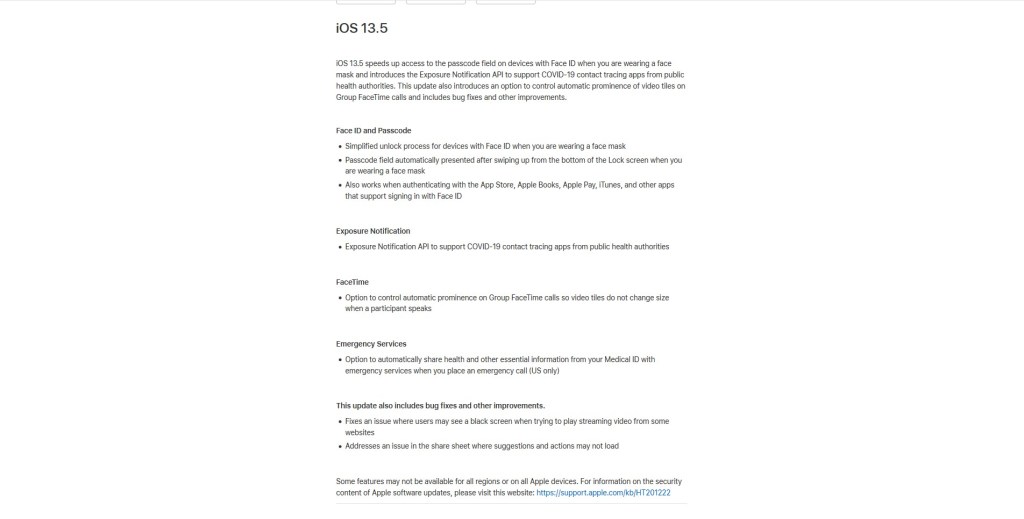
“Passcode field automatically presents after swiping up from the bottom of the Lock Screen when you are wearing a face mask”.
And it ”also works when authenticating with the App Store, Apple Books, Apple Pay, iTunes, and other apps that support signing in with Face ID”.
But that’s not all, iOS 13.5 “introduces the Exposure Notification API to support COVID-19 contact tracing apps from public health authorities.”
“This update also introduces an option to control automatic prominence of video tiles on Group FaceTime calls and includes bug fixes and other improvements”.
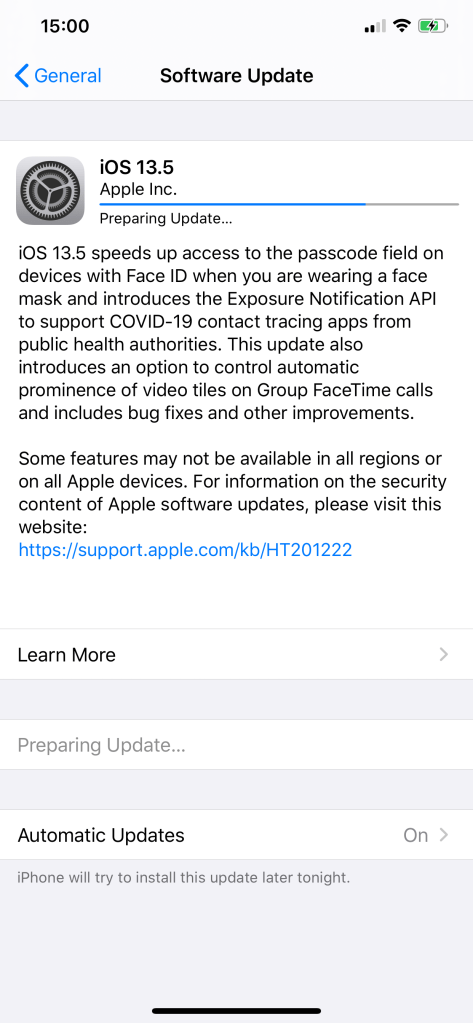
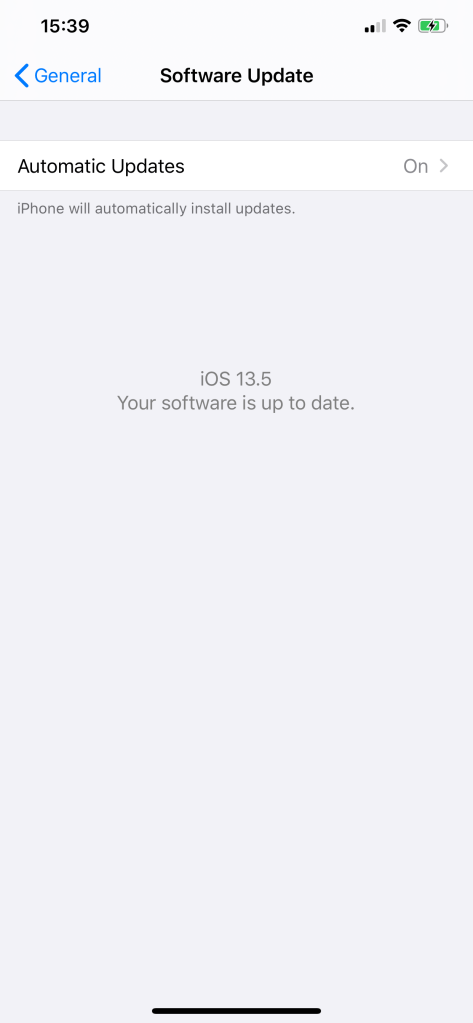
Cool! So I immediately downloaded it and it works!
 Azizul Rahman Ismail