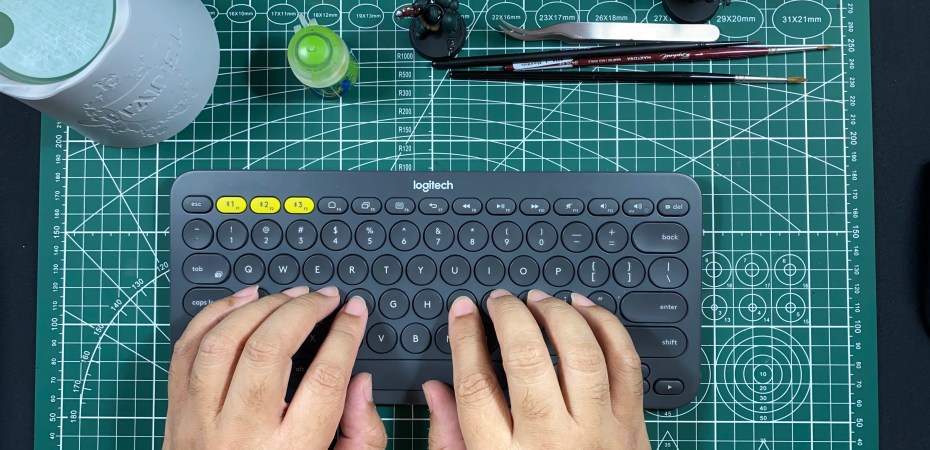
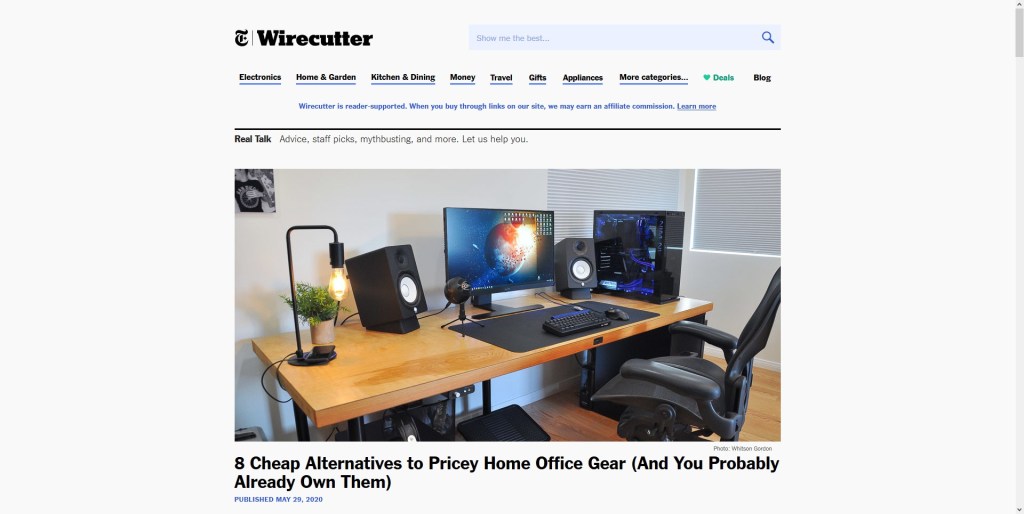
While I was on Wirecutter, The New York Times highly recommended tech and review website, in search of a mechanical keyboard, I came across this story. A listicle on cheap ways to upgrade my desktop studio and home office.
The second to last is what caught my eye. It was about using your smartphone as a webcam.
What an idea! With good webcams in short supply, in demand, and exorbitantly priced, during the pandemic, this solution is perfect for my desktop studio.
The Wirecutter write-up quoted The Verge in recommending two apps: DroidCam and EpocCams. We are going to ignore EpocCams as the free version is ad-laden and I do not agree with its practice of making users review the app to use the front-facing camera.
You can spoof it and I prefer using the primary camera anyway. But, it’s about the principle of it all.
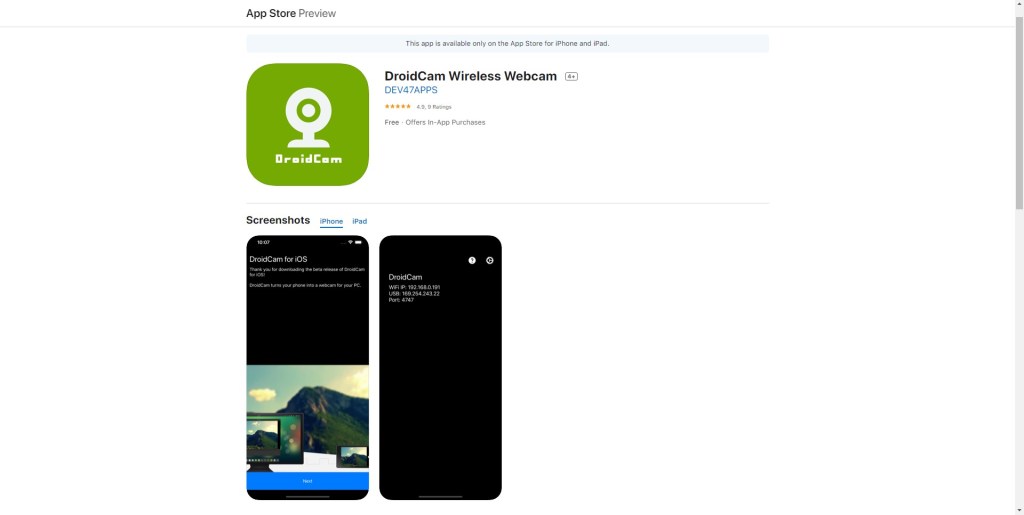
DroidCam is available on both Android and Apple. It’s not as automatic as the competition, but the paid version (RM19.90 on iOS) is cheaper. The premium version unlocks a few additional features like HD video and tools to adjust the image further.
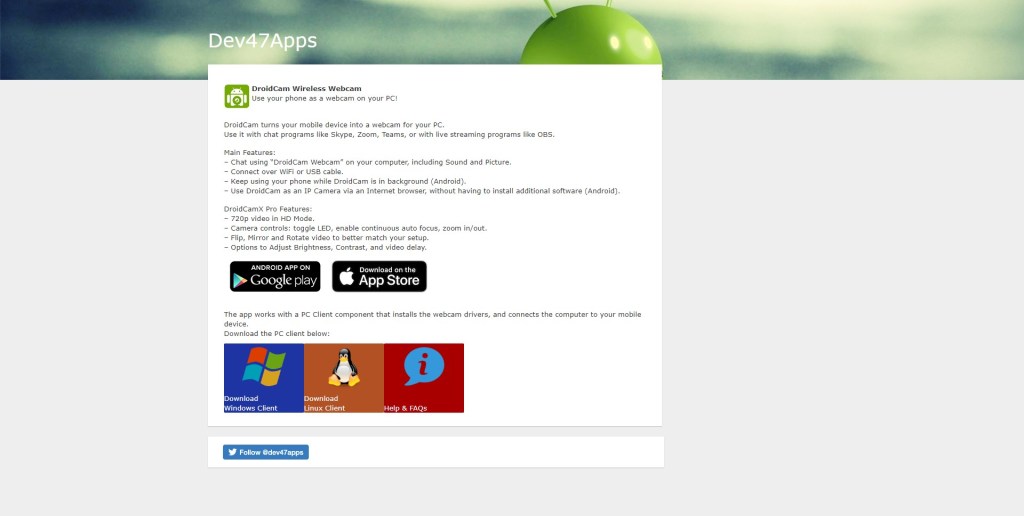
All you need for it to work is to install the app on your smartphone and the client software on your PC (available to download from the app maker’s website. You can connect the smartphone to the PC via WiFi or a USB cable. I prefer the latter as it charges the phone at the same time.
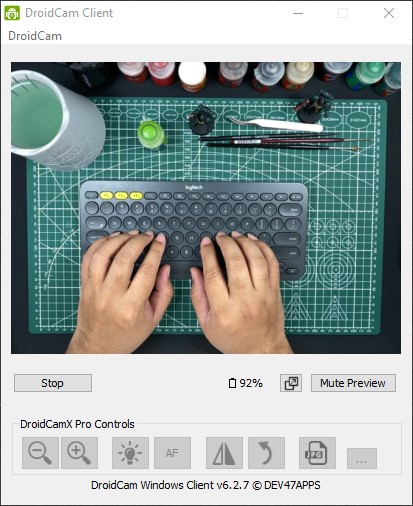
The result will depend on the smartphone and the version of the app used (free or pay). Using an iPhone 11, the video looks great. The auto white balancing works perfectly with my desktop studio lights.
To place the phone camera at eye level I just use my trusty suspension arm with the phone holder.
For audio, you can use a dedicated microphone or the smartphone’s built-in mic.
Always available, not a subscription, and the perfect solution for when you need a webcam but cannot find a good one that you want, DroidCam is worth the price, even if you are just going to use it once.
 Azizul Rahman Ismail