
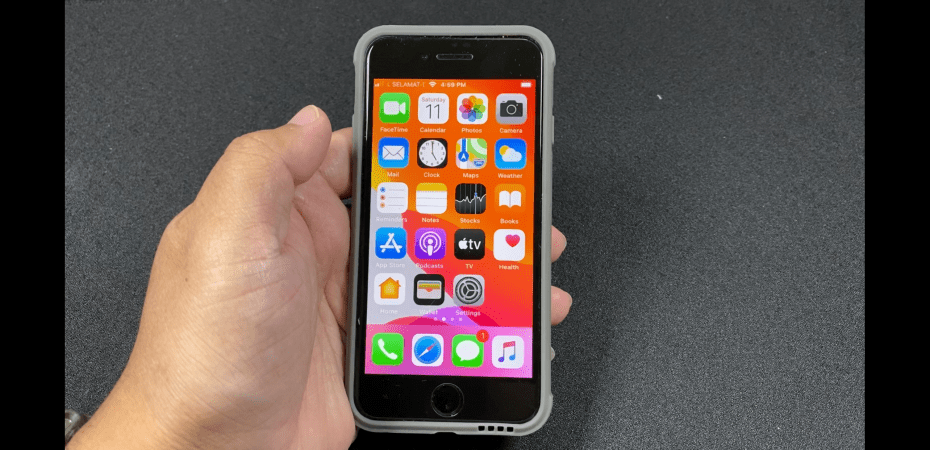
It had been 2 weeks since my mom got the iPhone SE, her first iPhone ever. Since then she has used FaceTime with me and family abroad. It is good to see that the switch hasn’t affected her ability to stay in touch with everyone.
I am also happy to report that the iPhone SE is still undamaged and in perfect working condition. However, there were a few issues, of course. Some were.
The first issue was with the iPhone keyboard. My mom is used to using a keyboard that is capable of supporting dual language. A keyboard with this ability could switch between English and Malay as you type and suggest the appropriate spelling and corrections for both languages without the need to switch between the two.
This was something that I thought would not be an issue because I did not turn on spell-check and spelling suggestions on my mom’s iPhone SE so that the keyboard is language-neutral.
But mom found a way to exacerbate the problem. She figured a way to reactivate WhatsApp on her previous Android phone which effectively deactivates the one on the iPhone all because she wants the autocorrect spelling of “Waalaikumsalam”.
The iOS keyboard is sub-par compared to what you can find on an Android phone. It doesn’t handle English all that well with weird and sometimes weird word suggestions. I’m not saying that my spelling and grammar is perfect, but, more often than not, the error in my text is usually caused by one of iOS’s suggestions or word replacements.
It made me learn to be more careful.
The best keyboard that I have ever had the pleasure to use on a smartphone is still the BlackBerry. That thing is magic. Not only does it support dual language, but its predictive algorithms are also spot on, once you give it time. Also, that swipe up to insert a suggested word just makes typing that much faster.
I wished Apple would emulate that.
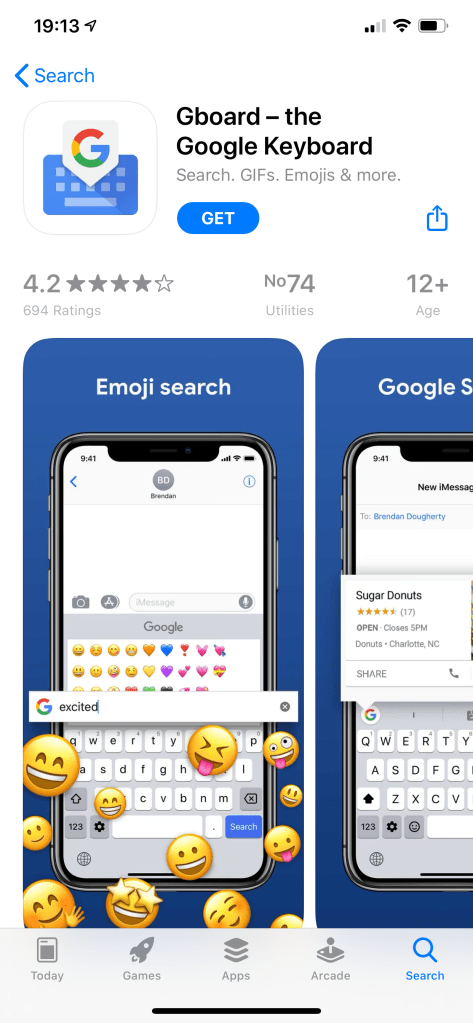
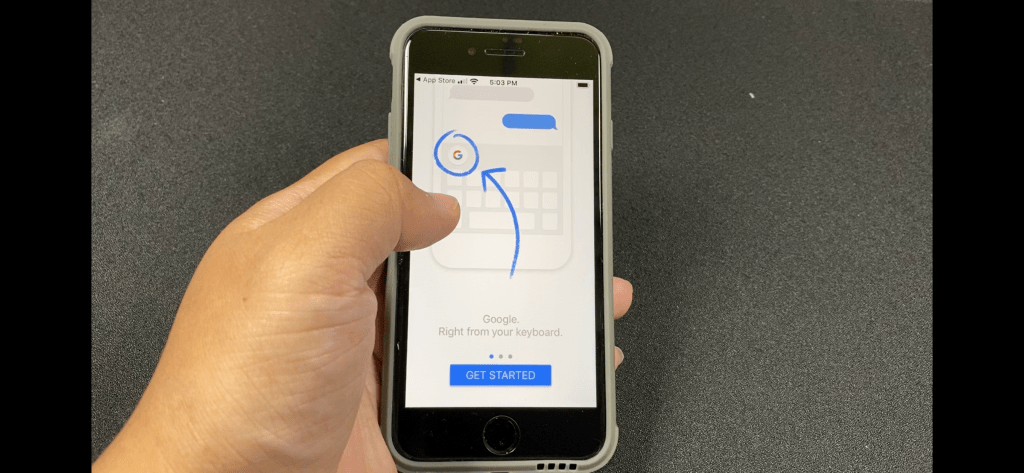
Anyway, I installed GBoard and made it the default keyboard on my mom’ iPhone SE. I am surprised that the app is available on the App Store at all. Knowing Google, this would not have been the best solution if my mom was concerned about privacy.
The other issue was expected and is actually a non-issue. My mom is used to only charging her phone every other day. With the iPhone SE, she has to charge it every night.
To help her out, I got her a pair of Lightning cables that are longer than the one that came in the box, and a power bank. One of the good ones I got from when those are given out as door gifts.
I am also happy to report that my mom had not installed any unwanted apps on her iPhone SE. I credit that to the iOS’s security protocol that required the user’s password or touch ID when installing an app. That small hurdle stops a lot of junk.
Next update will be in another two weeks. I plan to teach my mom how to make and send a video message, do something with Siri, and maybe introduce her to memoji.
 Azizul Rahman Ismail