
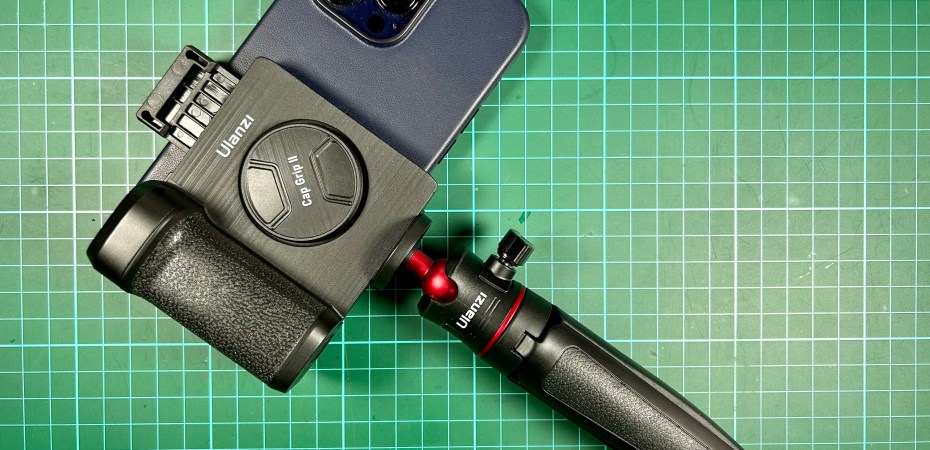
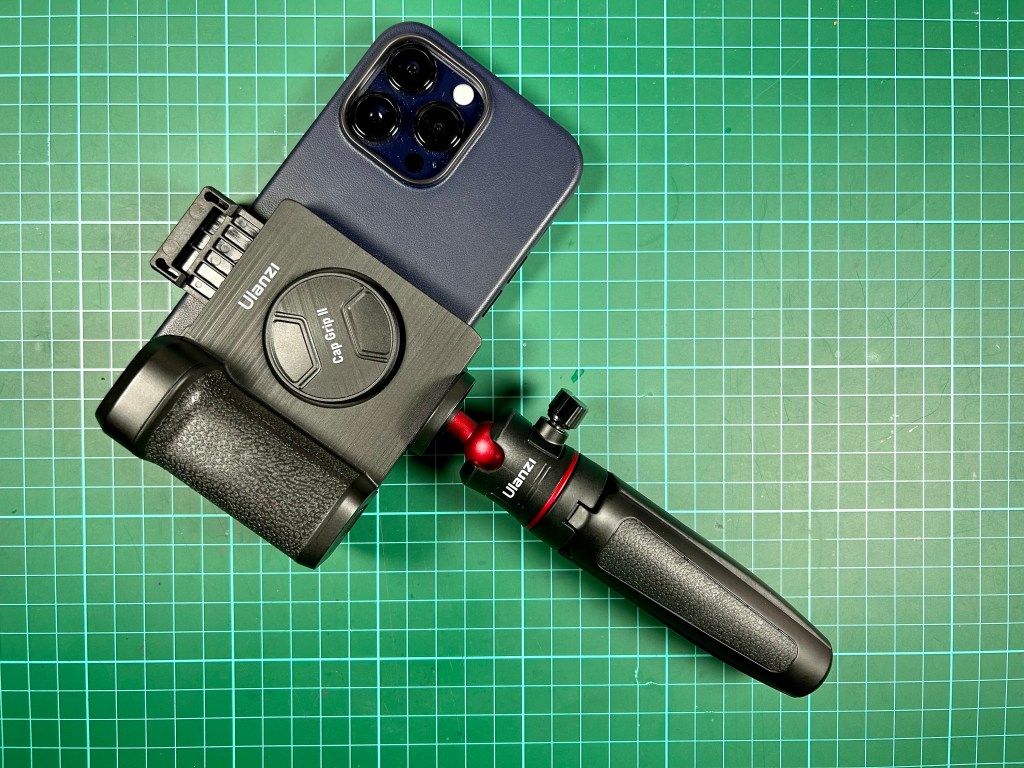
For two Fridays after I got it, I’ve been trying to do some street photography at the neighbourhood night market using the iPhone 14 Pro Max and failed.
To inconspicuously capture moments as it happens in a crowded market during the hour before sunset requires a fast camera. And speed is something the iPhone 14 Pro Max has.
The Camera
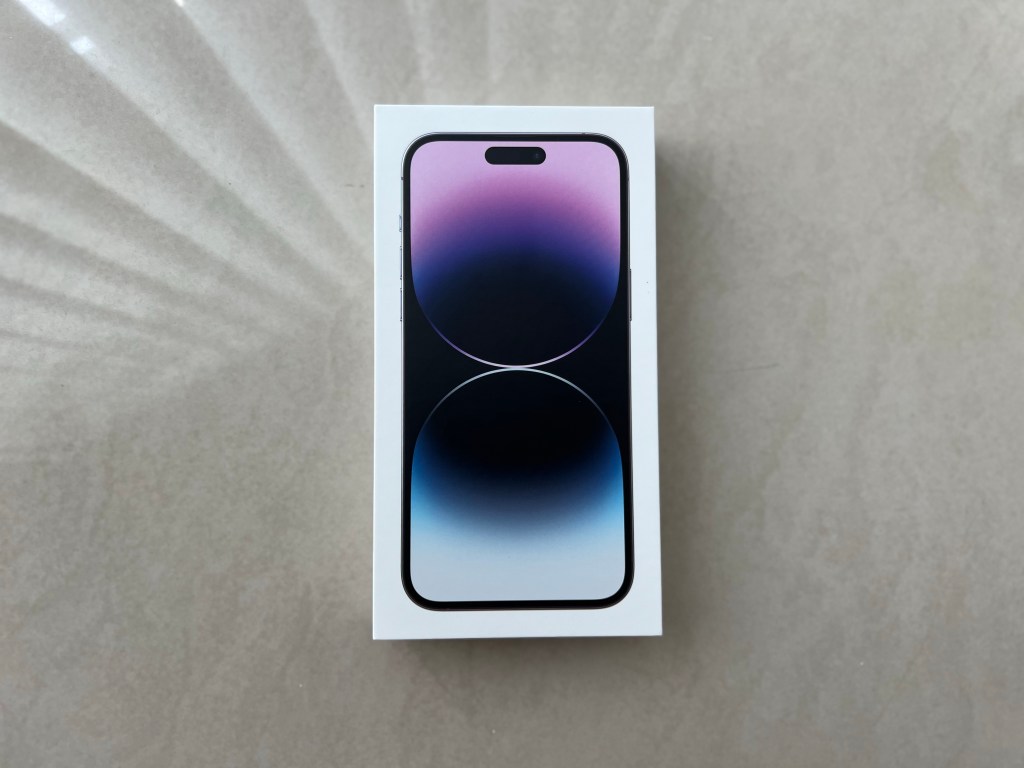
The main camera on the iPhone 14 Pro Max has a larger 48MP sensor with a 24mm (equivalent), ƒ/1.78, seven-elements lens.
To make sure pictures captured are sharp and in focus, it has second-generation sensor-shift optical image stabilisation and 100% Focus Pixels.
Backing up the hardware is the unbeatable A16 Bionic Chip with Apple’s own magic sauce which contains the Photonic Engine, Deep Fusion, Night Mode, Photographic Styles, Apple ProRAW, Auto Image Stabilisation, and more.
With all that technology, getting a good shot is almost guaranteed.
My issue is the device does not have the ergonomics of a camera. Touchscreens leads to unintentional input and using the volume button as a shutter button is difficult especially when shooting horizontally and from the hip.
The Grip
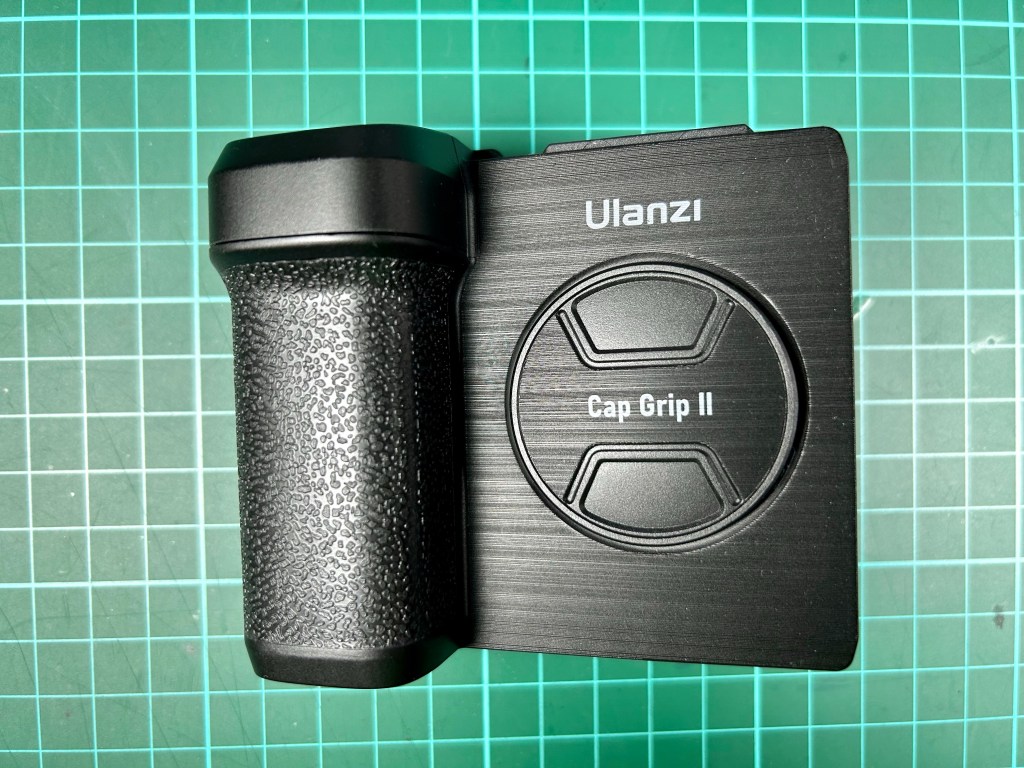
The Ulanzi Cap Grip II (CG01) attaches to a smartphone to add a shutter button and a camera grip. It makes the iPhone 14 Pro Max (with cover) work and feel like a dedicated camera.
There’s also a tripod nut at the bottom, a cold shoe for accessories at the top, a magnetically attached selfie mirror, and a small cable storage in the grip.
A USB-C to USB charging cable is included and is meant to be used with the magnetically attached Bluetooth shutter button.
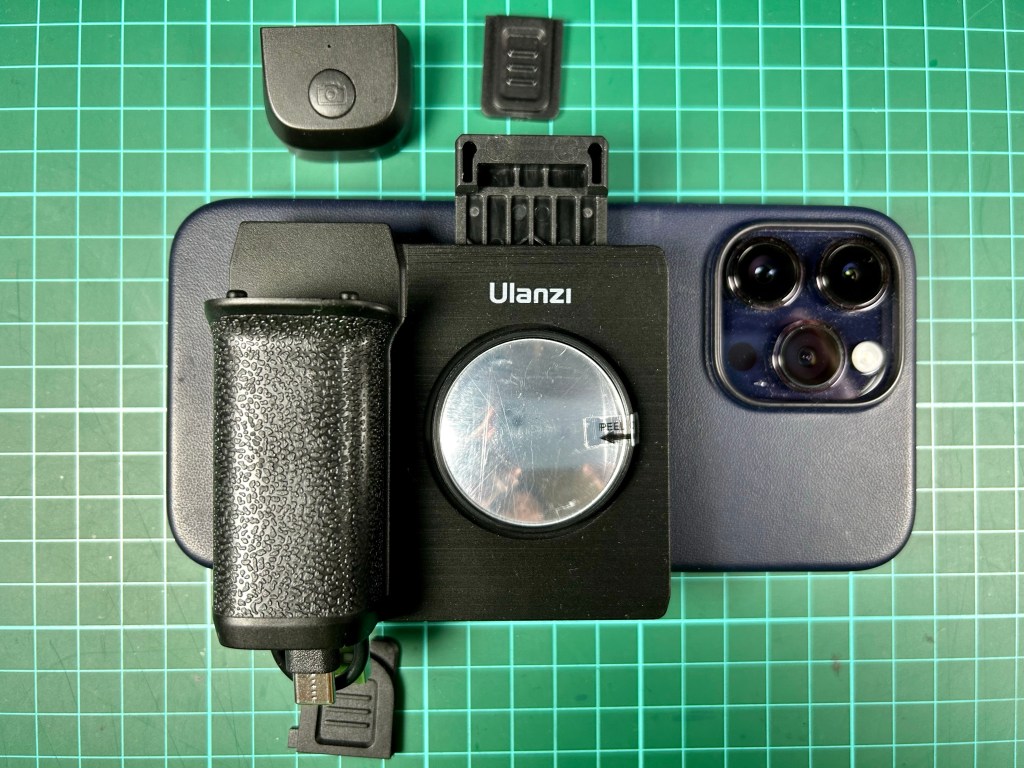
The build feels good despite being all plastic and the selfie mirror is usable if you keep the parallax in mind.
Personally I wished the phone clamp opens at the bottom so that the shutter button will always be in line with the top of the phone.
In a pinch, the grip can be used as a phone stand as well.
In Practice
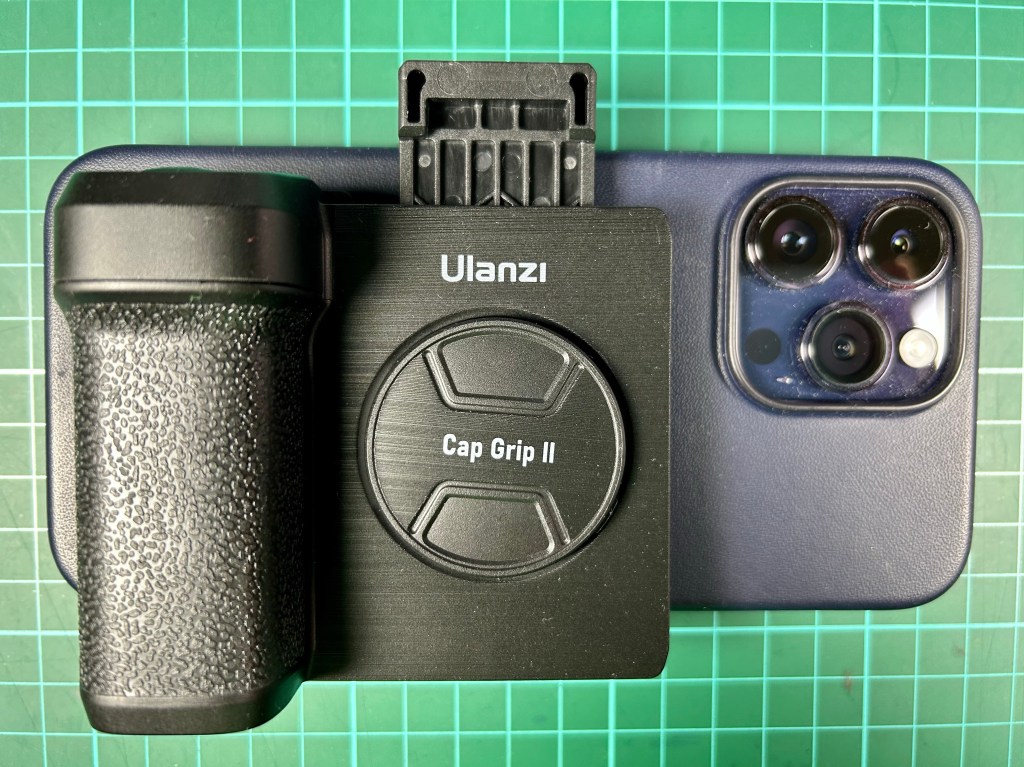
The clamp makes it easy to attached, remove, and position the Cap Grip II on the device. I like how it is big enough to accommodate an iPhone 14 Pro Max even with a cover on.
In a point-and-shoot situation the set up is excellent although a bit small for my large hands.
A swipe or press and hold with the thumb can launch the camera app. The pointing finger can can work the shutter button and take pictures.
If the button is asleep and it takes too long, there’s always the on screen shutter button that’s in thumb’s reach.
Activating most other camera feature on the touch screen, however, is still a two handed job. I could, for example, change the zoom on the gamers with my thumb, but it’s a bit of a stretch.
There is a small lanyard loop at the top of the Cam Grip II that theoretically can be used to secure the whole setup to the wrist or around the neck, but I’d rather slip the whole thing in my bag or pocket instead.
While made for photography, the Cap Grip II also has some features a beginner or casual mobile videographer would appreciate. But a phone cage would be a better choice for them.
About That Tripod
The Ulanzi Cap Grip II is available online for RM49. I got mine with the Ulanzi Extendable Tripod (MT-08) for RM80.70
Adding it to the setup is especially useful to those who vlog or like to take selfies and adds purpose to the removable shutter and selfie mirror.
 Azizul Rahman Ismail