
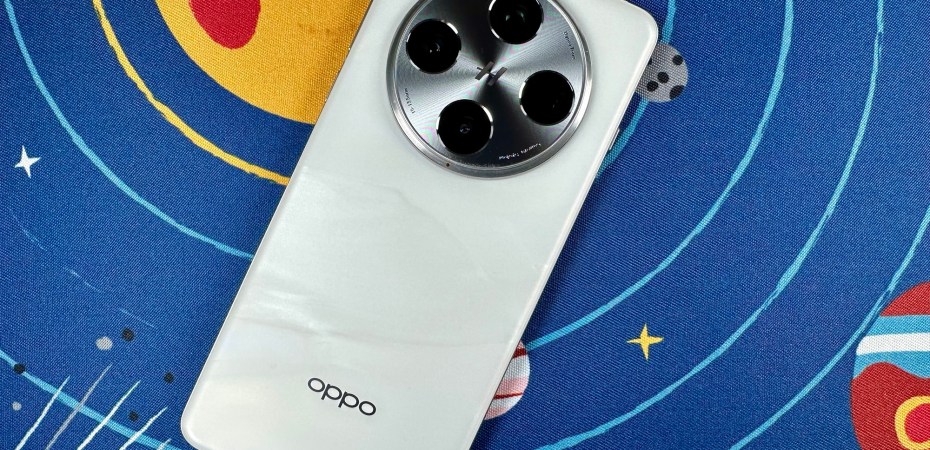
While I was at work about two weeks ago (Dec 6), the folks at Oppo unexpectedly offered to loan me their latest and best Android device, the Oppo Find X8 Pro. It features cameras co-developed with Hasselblad, enhanced software, an upgraded processor, and a larger battery.
I was at work at the time. Excitedly, I said yes, not thinking that it was a busy day.
Oppo Find X8 Pro product page:
https://www.oppo.com/en/smartphones/series-find-x/find-x8-pro/
When the device arrived, I let my colleagues look at it first. They were first impressed by the look and feel of the device’s back panel despite the large round camera island. To me, it looked like a film reel placed on a marble table.
According to Oppo, the white variant of the device measures approximately 8.34mm thick, about 0.1mm thicker than the black variant. However, I measured the device at over 1cm thick with the camera bump. Still, no one found the device cumbersome, especially with the included clear cover. It reduces the height difference between the back panel and the camera island.
The first thing my colleagues did was try out the camera. They looked at how it captures skin tones and how the 120x zoom works. The device has 4 optically stabilised 50MP cameras with various focal lengths and sensor sizes, and the software will automatically pick the best one for the job at hand.
We found the photos taken with the device tastefully attractive. The colours are pleasant, and the processing artefacts are not intrusive. Being co-developed with Hasselblad does make a difference. We also found that the 120x zoom was fun to play with.
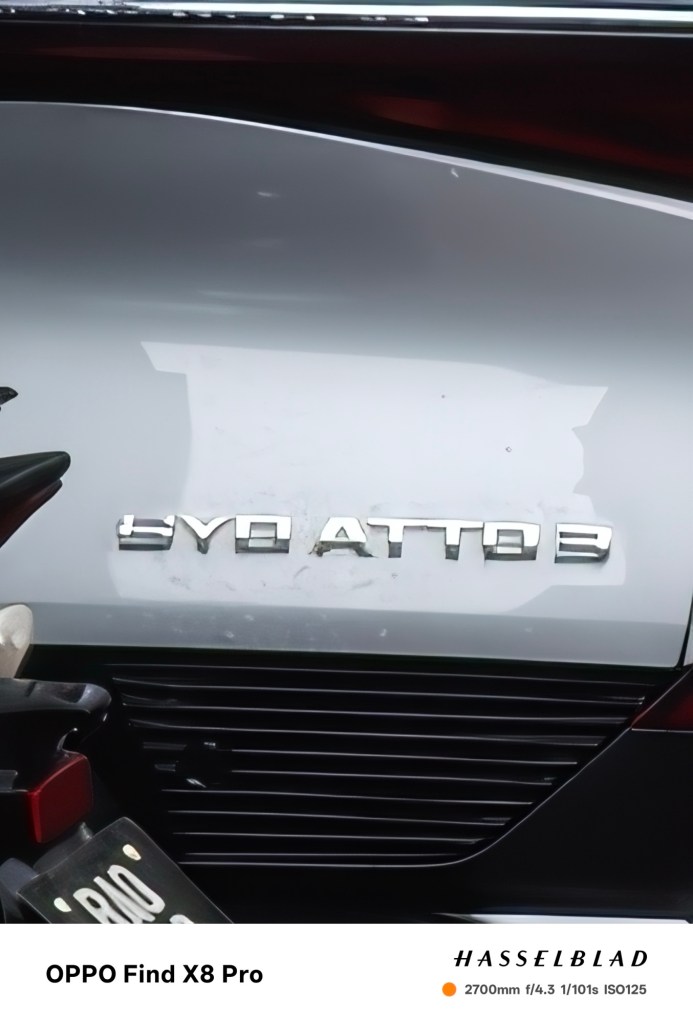
During my time with the cameras, the software does an excellent job picking the right camera. The parallax was not bad because all the cameras were in a circle. Moving from wide to telephoto was smooth. It did not jump back and forth like some other devices would.
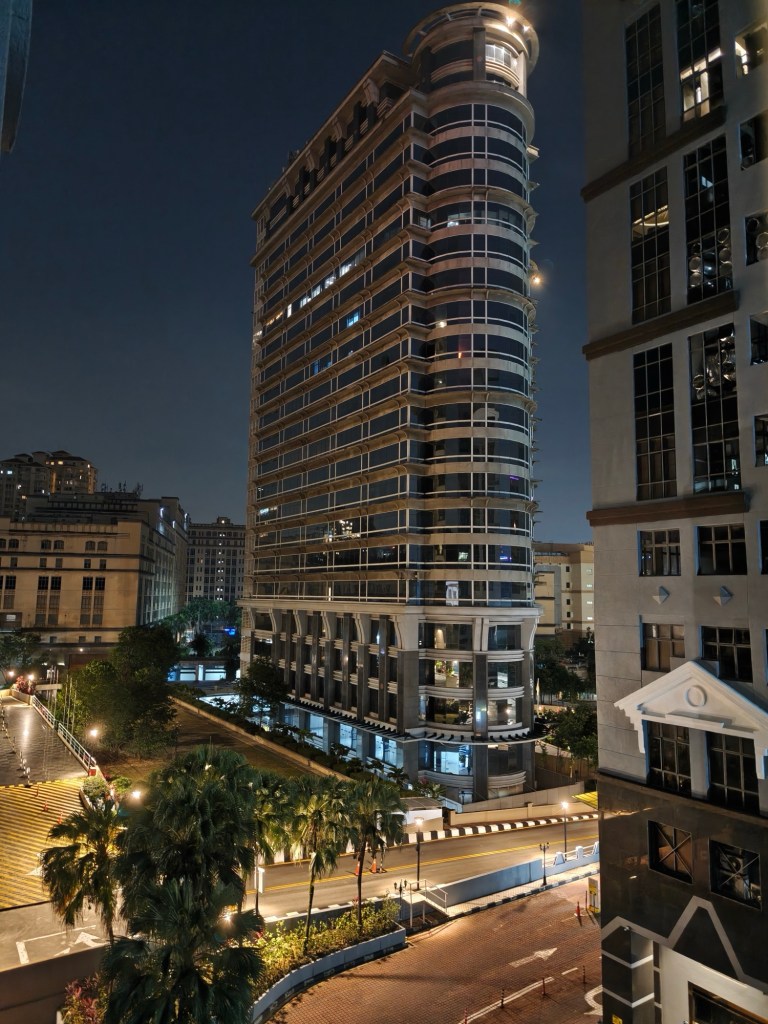
Photos taken in low light show apparent signs of being taken using a phone camera. They are usable but not as excellent as photos taken in bright daylight, which look like photos taken with a compact camera.
While fun, the 120x zoom was a novelty. The results showed clear signs of post-processing, which is expected. However, the image stabilisation did such a good job that it is difficult to frame a subject. It jumps rather than moves as expected. The little reference window that shows where the camera is aimed is a nice touch.
I also liked the return of the Quick Button. This device’s quick camera launcher and shutter button also work like a zoom wheel, but only in landscape mode, which is a strange limitation.

The camera also has special modes for stage shows, silhouettes, and fireworks. They are so specific to certain situations that I have tried them out. I wished it had the ability to emulate different film stocks instead. There are three film filters included in the camera app, but they are limited, require well-lit subjects, and are situational.
Next, my colleagues looked in the settings. According to the specifications, the device’s gorgeous 6.78-inch display has a 120Hz refresh rate. But to conserve its larger-than-average 5.910Ah battery, settings such as refresh rates and screen resolution were capped out of the box. So, we unleashed the device’s full display potential.
It made a huge difference. “It is smooth like butter,” my colleagues said.
This also made the device battery-hungry. Even the larger-than-average battery seemed to drain faster than usual, even when I left the device disconnected from cellular networks and social media. To remedy this, the device supports fast charging and comes with a quick charger. A short break is all it took to top off the device.
I also uninstalled all the third-party apps that came with the device—at least 8—and refused its recommendation of other third-party apps. I also removed any automatically generated app recommendation folders from the phone’s home screen. It was not a zero-effort task, which is annoying considering that the device is priced at almost RM5,000.
Once I widdled down the apps, I also had to snip some notifications. Although small, those redundant app notifications that tell users it was doing its job add up. With 16GB of memory and 512GB of storage, the device should handle it all without telling me to tap a button to “clean my storage”. They distract and take up battery power.
During the whole process, I realised that the menus on the device, which runs ColorOS 15, are very similar to iOS. As an iPhone user, navigating Android using the iOS interface is odd—not bad, just weird.
Of course, the device also comes with AI features. To me, AI is just entertaining, and that is the same here. The ability to increase the resolution of a photo, sharpen an image, and remove unwanted elements like reflections and people in the background can be helpful. Still, I would take a better picture in the first place.
One odd thing is that although the device has an AI Studio app, which generates photos in different styles based on a portrait, it is limited. It requires “Stars” and arbitrary currency that limits how much the app can be used. Like shopping apps, it also forces engagement. It makes users jump through hoops to get more currency and generate more AI photos.
One fun thing is the ability to transfer files and media to the iPhone by touching the tops of the devices instead of the backs. However, this requires additional software on both devices, making it impractical.
To Buy Or Not To Buy
The Oppo Find X8 Pro is an easy recommendation. However, the RM4,999 price tag is a high hurdle. Reports say that Oppo will provide 4 years of OS updates and 6 years of security patches (starting from 2024) for the device, which is something to keep in mind if you are looking to purchase one.
Nevertheless, to put it into perspective, the iPhone 16 starts at RM3,999. It has fewer features that most people do not use and longer software support, which is roughly six years for both OS and security updates.
Of course, durations may vary in practice.
 Azizul Rahman Ismail