
Since the pandemic, my work computer has been a laptop PC. It has a decent processor but roars like a jet engine when pushed. It is capable, but the low (8GB) memory holds it back. Moreover, although it has a graphics processor, it cannot fully utilise contemporary monitor features like HDR and high refresh rate.
I wanted to be able to do more, so I got a Mac mini M4.
Launched in 2024, the Mac mini had the latest Apple Silicon (at the time. The price looked like a bargain, and it was so small I could stuff it in my backpack.
Because I thought I could not game on a Mac, I looked at custom-built PCs. They were complicated, parts availability was all over the place, and when I picked the configuration I wanted, they were more expensive than the Man mini.
I also gave laptops and MacBooks a look, but I did not want the ability to work everywhere I go, and the Mac mini provided me with more performance for the money I was willing to spend.
It helped that I already had a monitor, mouse, and keyboard that I used to plug my laptop into. Otherwise, the price advantage would be negligible.
When I got home with the Mac mini, it was about 11 pm. The next day, I had to wake up at 5 am for suhoor, get to work a few hours later, and then drive back to my hometown—which was a few hours away—for Eid. In other words, I needed my sleep, but I decided to set up the Mac mini instead.
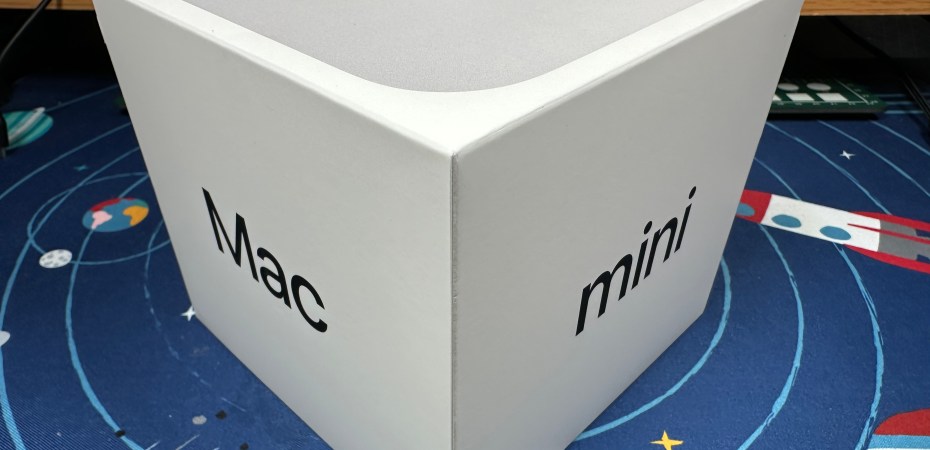
The packaging was simple and functional. Included in the box were the Mac mini and a (fancy and non-proprietary) C7 power cable.
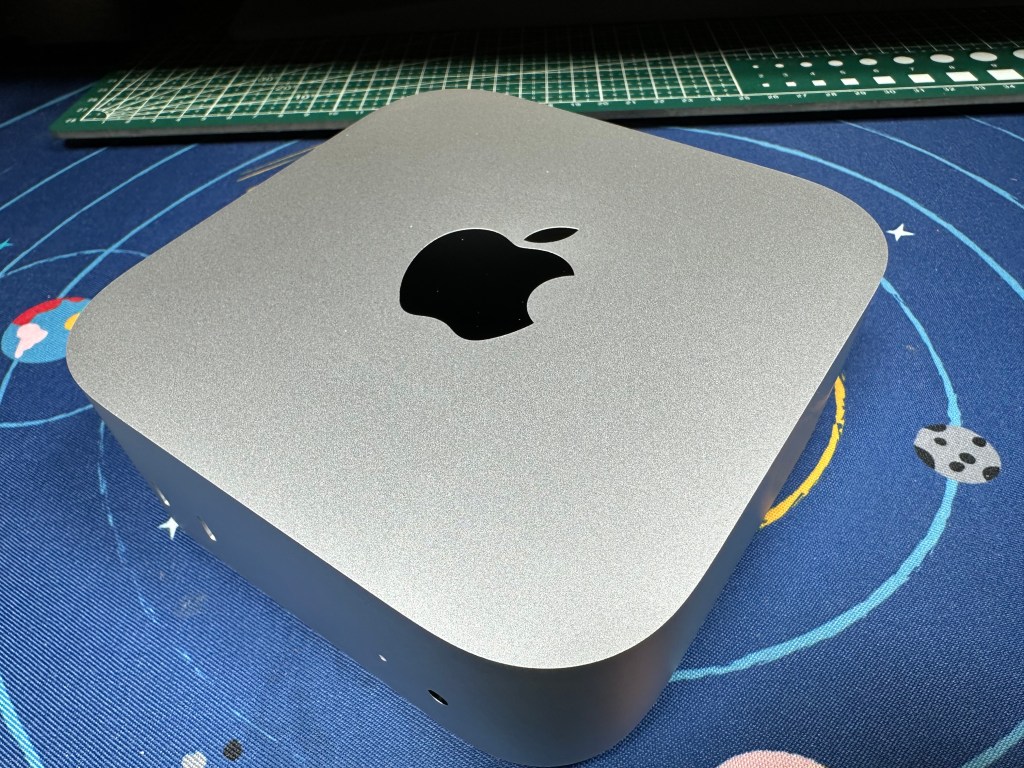
The Mac mini has eight ports: one power port, one HDMI port, one Ethernet port, one 3.5mm audio port, three Lightning 4 ports, and two USB-C ports. I used the included power cable to give it power and an HDMI cable (that I already had) to connect it to the monitor.
Apple took into account that there are no USB-A ports. The Mac mini looks for a Bluetooth keyboard and mouse as part of the initial setup. Luckily, I have those.
The Mac mini was ready to use in less than 15 minutes. But because it was my first Mac, I had a lot of learning to do.
All the applications I would want were already there: a word processor, a browser, an email client, and a few other essentials.
It was getting late. All I had time for was to pack the Mac mini back in its box for the next day’s trip.
I survived my morning shift, but I did not get enough sleep. Still, I managed to reach home safely ahead of the holiday traffic, with just enough time to set up the Mac mini again and break fast.
Learning to use the Mac was easy. The Tips app helped a lot. The macOS has many quality-of-life features, is more focus-driven, and supports continuity across Apple devices. For example, I could use the iPad Air as an additional display, control the iPhone, and continue whatever task I was doing on those devices on the desktop.
At the same time, macOS has its quirks, like there is no easy way to automatically arrange the apps in Launchpad alphabetically, and installing downloaded apps by dragging the icon to the application folder seems less refined than the rest of the system.
Installing apps from the App Store was more straightforward, but it could use more curation and recommendation tools, as it was plagued with subscription apps.
Remember when I said I thought I could not game on a Mac? I was wrong. There are plenty of games for the Mac, big ones from big-name producers and popular indie ones. From my experience, the Mac mini M4 preferred games at 1080p. It would warm when I want high frame rates and toasty when I want 4K.
I started with games on the Apple Arcade, which are not demanding. But I plan to buy games from the App Store, Steam, GOG, and itch.io soon.
Before I got the Mac mini M4, I recommend it solely based on its value and simplicity. Now that I have been using one for a little over two weeks, I know it is the right fit for anyone looking for a computer for work, play, and creative use.
 Azizul Rahman Ismail