

Since the beginning of the worldwide lockdown, I wanted to learn to make videos, but I did not have enough equipment. The lighting in my room is insufficient, I have limited resources, and I have plans. And I am stubborn when I have plans
The Idea
Because going out was not an option I figured I could learn to do two types of videos: a top-down desktop video and a talking head video. And, because I have limited resources and space, my solution has to fit onto my table and be multi-purpose.
The Lights
The most important part of making videos and taking photos is lighting. So I started there. The best option is those large rectangular studio soft lights. However, they are single purpose, can be expensive, and take up a lot of space.
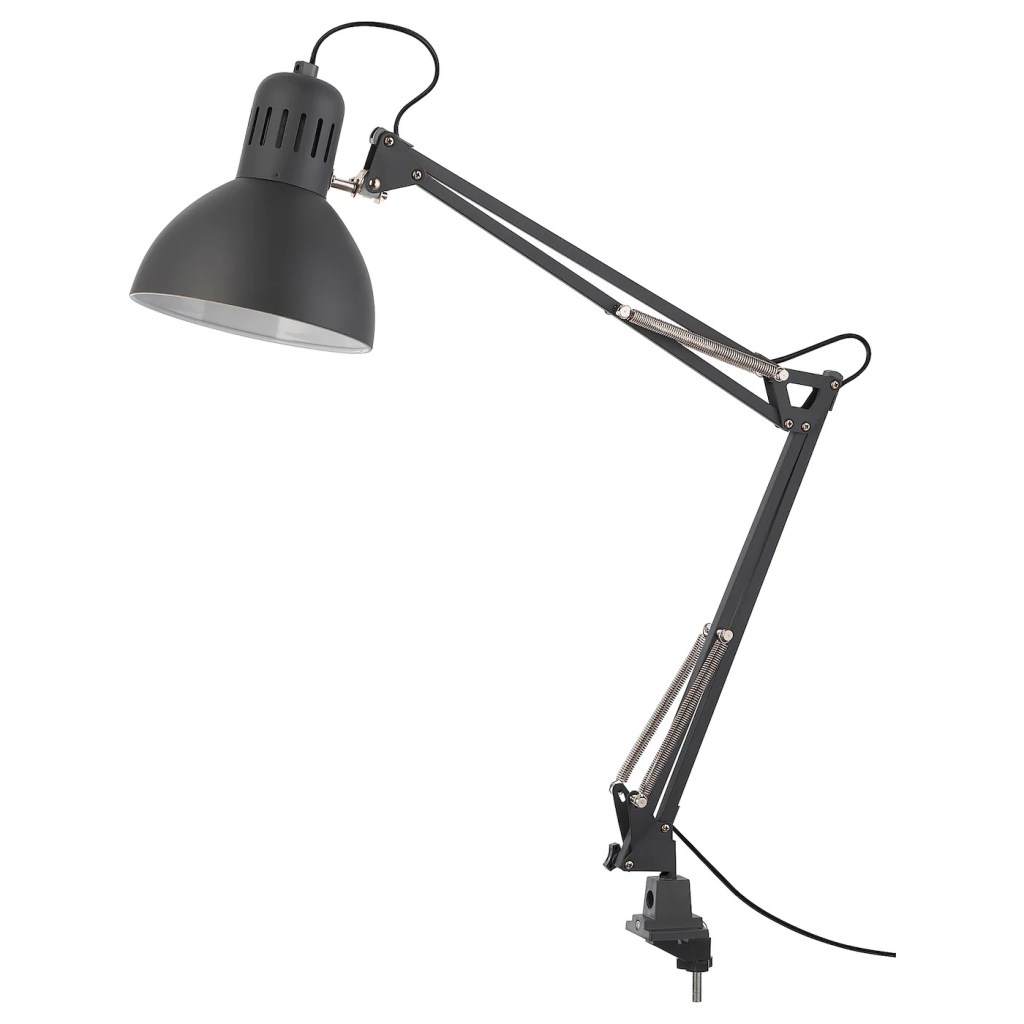
My solution was a pair of IKEA Tertial Work Lamps. They clamp to my table, I can position them any way I want, and two of them (plus the bulbs) cost less than one of those studio lamps. Plus I could use them as work lamps.
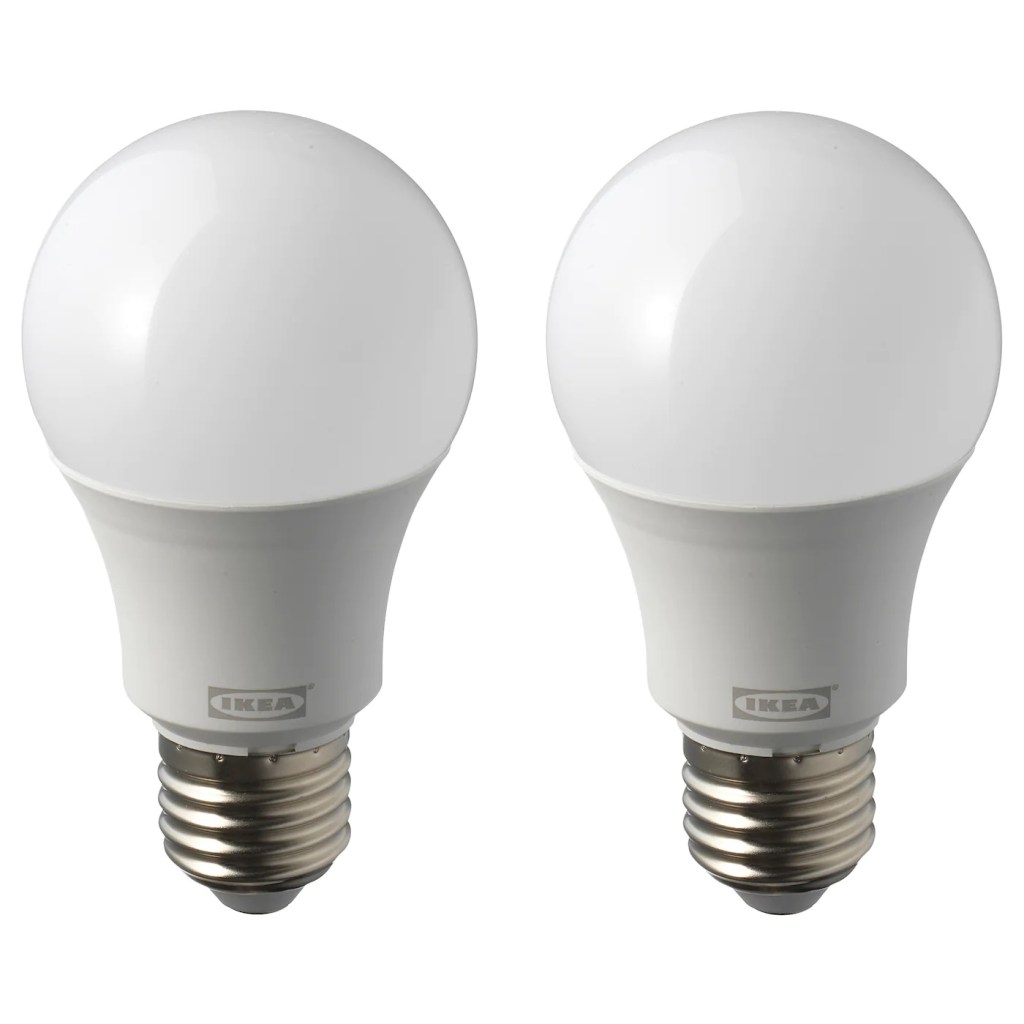
But lamps alone aren’t enough. Thankfully, IKEA also has my favourite bulbs: the Ryet LED Bulb. They fit E27 screw sockets, are rated at 1000 lumens (very bright), and have a colour temperature of 5000K.
Most studio lights I see have a 5500K colour temperature. So this option is close enough.
Personally, I like them because they are bright and the colour, which is between cold (blue) and warm (orange) daylight is perfect for when I paint miniatures.
Of course, there are some drawbacks. Firstly, they are attached to the table and cannot stand independently. Second, they are not dimmable and can be too bright. Third, the lights are not diffused. Sure the bulbs are frosted, but that is not enough for the lights not to appear as two bright spots.
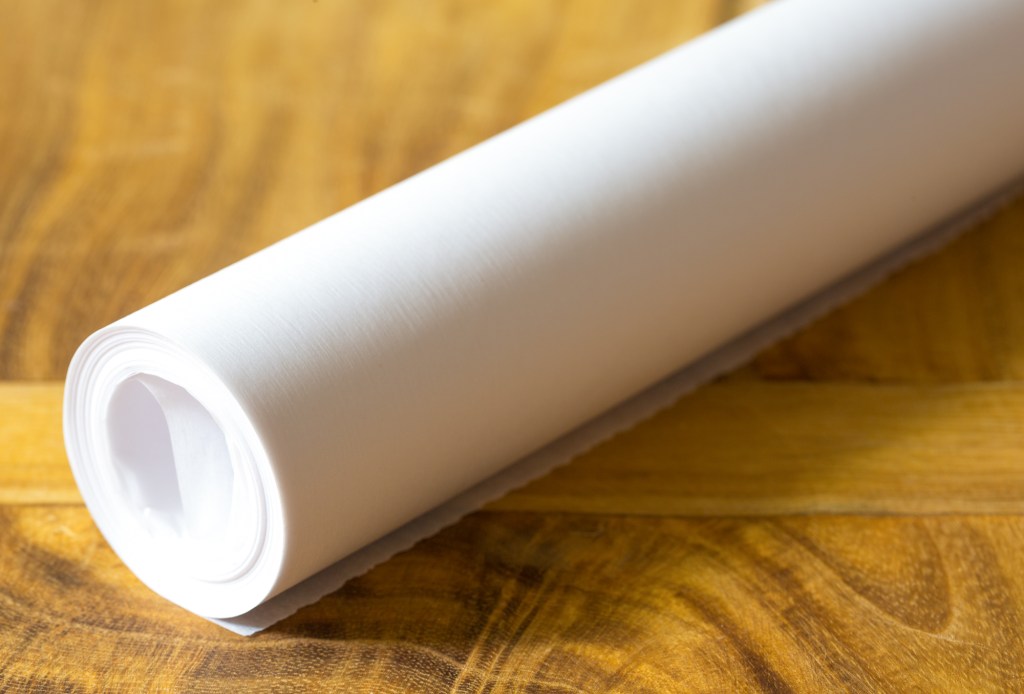
That said, I have a solution for that last problem: baking/cooking/parchment paper. They made good light diffusers.
The goal of a light diffuser is to soften the light source so they don’t make harsh shadows or reflections and they make the light source look bigger.
My fix was just to tape a square of baking paper onto the work lamp. It’s good enough.
I also use the paper for my wet pallet. It’s a hobby model painting tool to keep the paint wet for longer.
The Camera
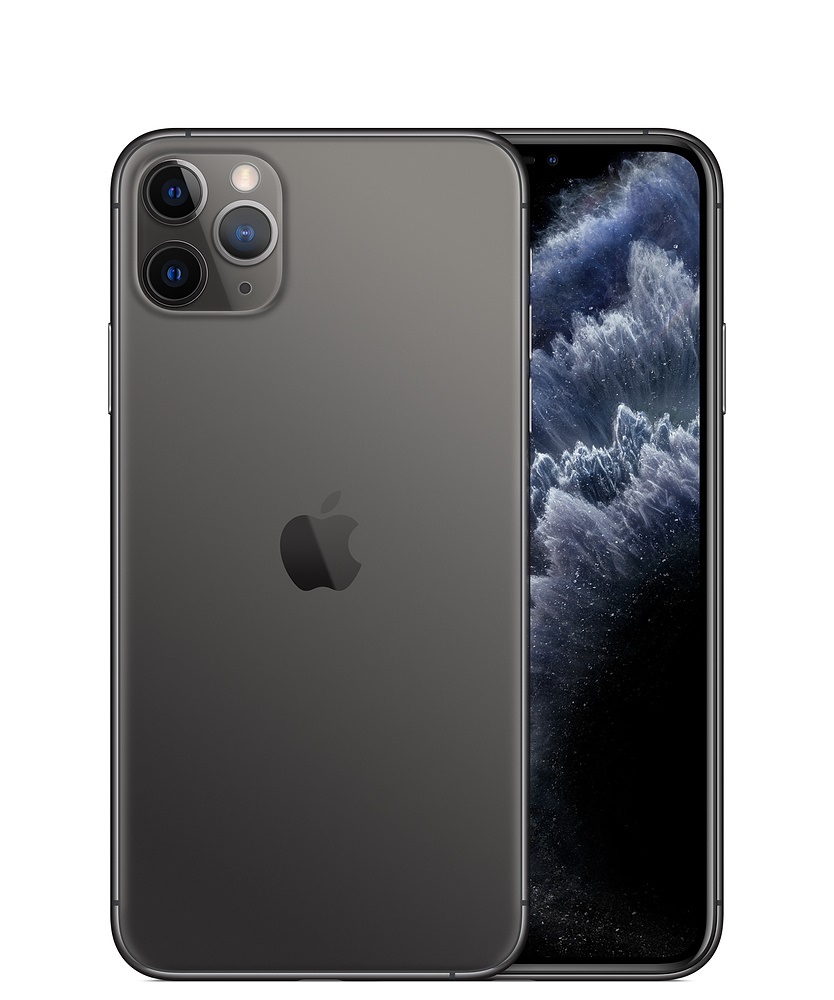
To record and edit the videos I use an iPhone 11 Pro Max. With good lighting, photos and videos from any phone camera or webcam can look decent. I use an iPhone because it is what I have and because of iMovie.
I thought I needed a powerful computer with professional software like Final Cut Pro or at least another video editing app on the phone. But no, the free iMovie app can do a lot of amazing things and almost everything I want. With limitation, but I can work within its limitations.
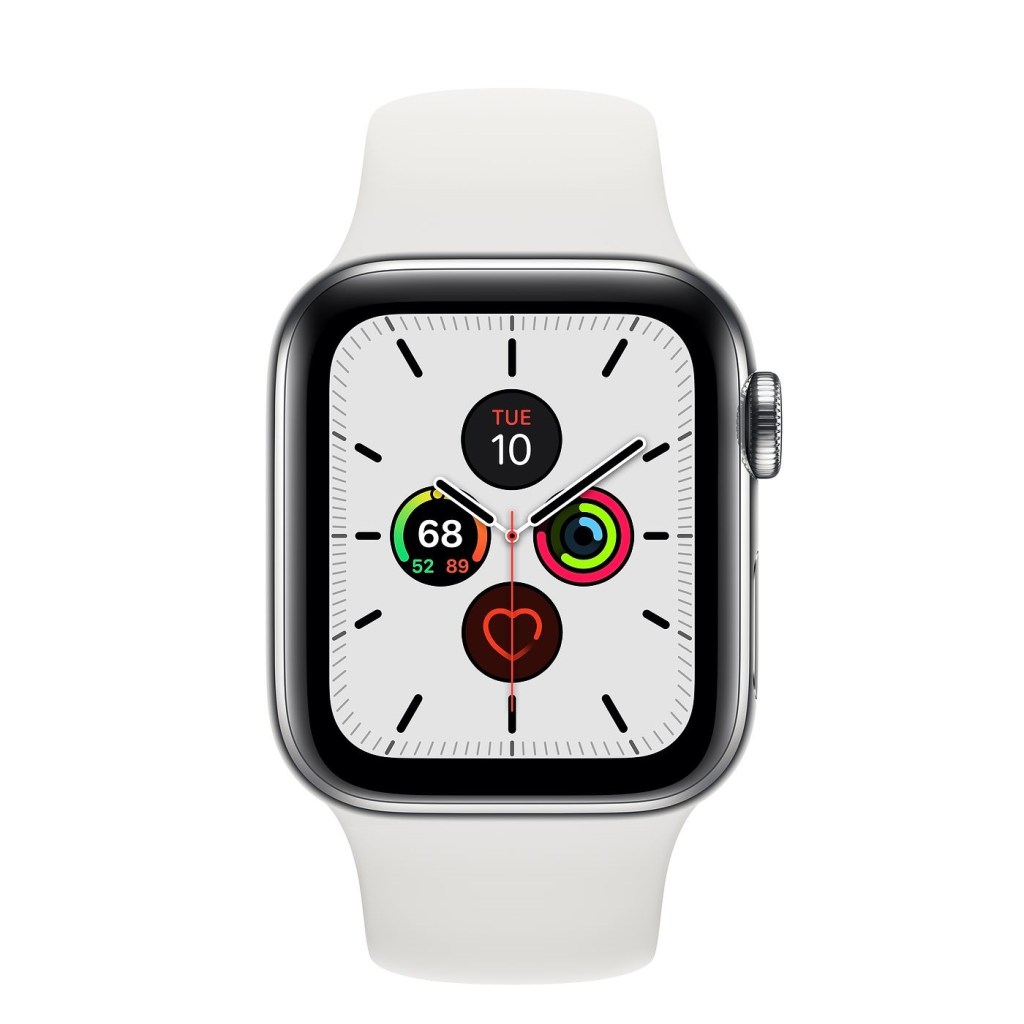
One more thing: I could use the selfie camera to take talking head videos of myself, but since I have an Apple Watch Series 5, I use the remote camera app to make sure I am in the frame of the main camera and even trigger the recording.
This setup is fun for taking self-portraits too.
The Arm
I needed to mount the iPhone on something. A tripod or a desktop tripod would work for a talking headshot, but what about the top-down desktop shot? This was my solution, a contraption that is essentially a microphone suspension arm with a phone holder attached.
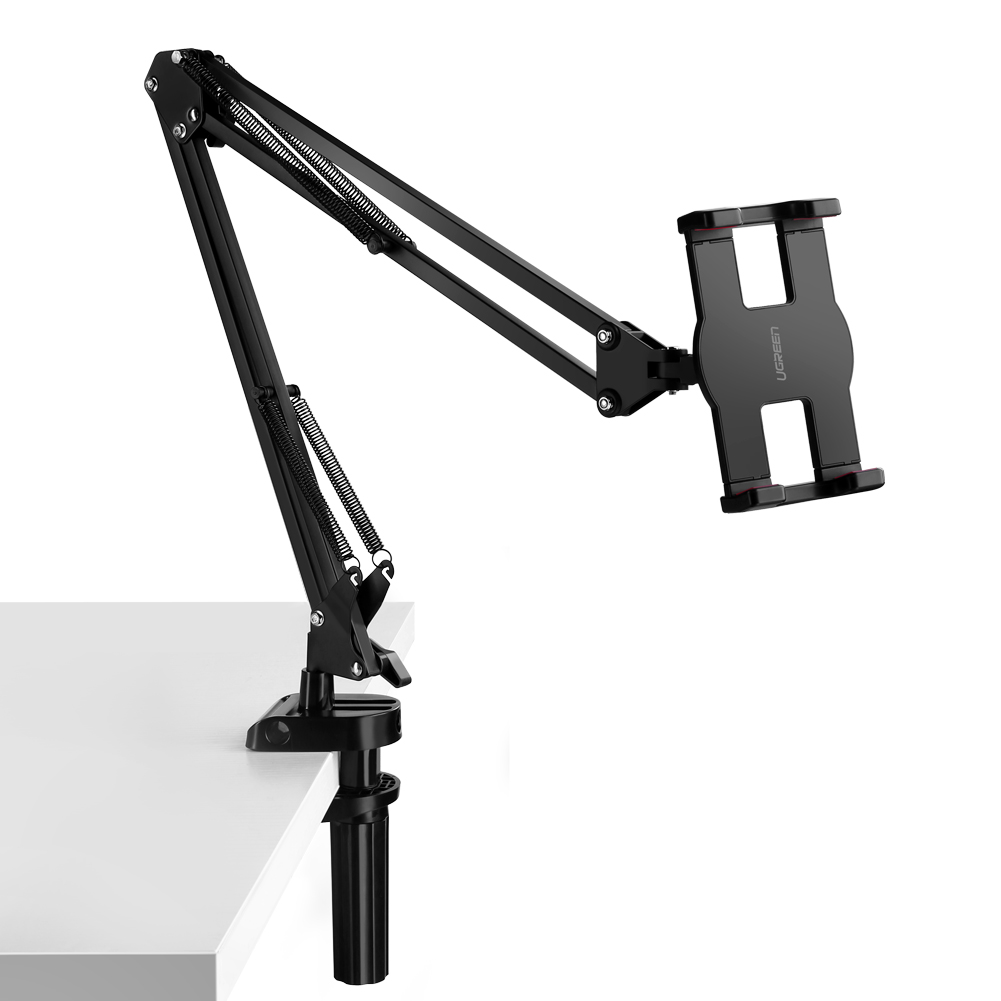
I wrote about this before because more people need to know that this gadget exists. The one I got was from UGreen. It has a lot of articulation where the phone attaches to the arm, and that is important.
Because of its wide range of movement, I can zoom in and out of the desktop by moving the arm and get the best video quality using the main camera. I also use the arm to hold up my phone when I am working, when I am on FaceTime, making talking head videos, or when I am watching Apple TV+ on it.
The Mat
Even if you are not looking to make your desk look good for videos, I recommend that everyone get the largest and thickest mouse mat they can afford to put on their office/home office work surface.
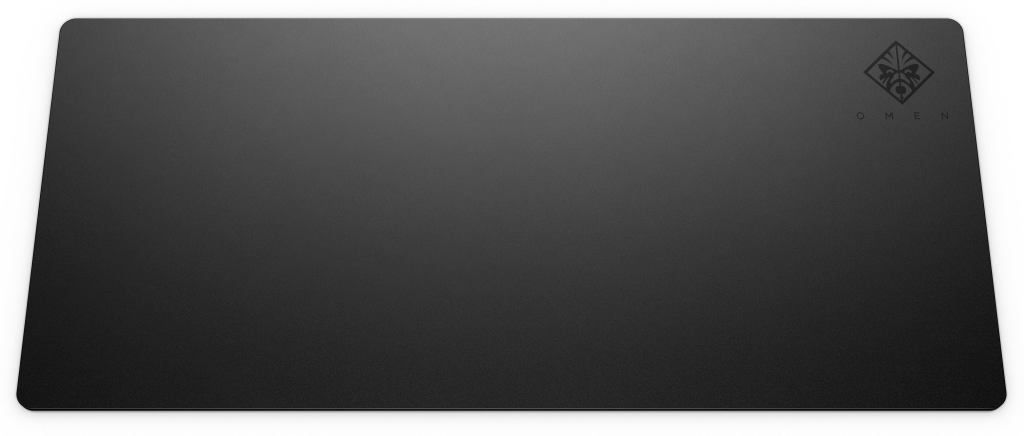
What I got was the HP Omen 300. It measures 90cm by 40cm and has the thickness of 4mm. I also got it at an extreme discount. My only regret is that I didn’t buy a third.
The black fabric surface lacks any gaudy art or logo, so it is perfect as a backdrop for most desktop videos. However, the reason why I really like the mat is how good it feels as a work surface. It is firm enough to write on and it provides enough cushioning and shock absorption that putting any personal electronics on it just feels satisfyingly safe.
I guess it could also be used as a playing surface for collectable card games. It is heat resistant, but the cloth top is not stain-resistant. If only it was made of vinyl.
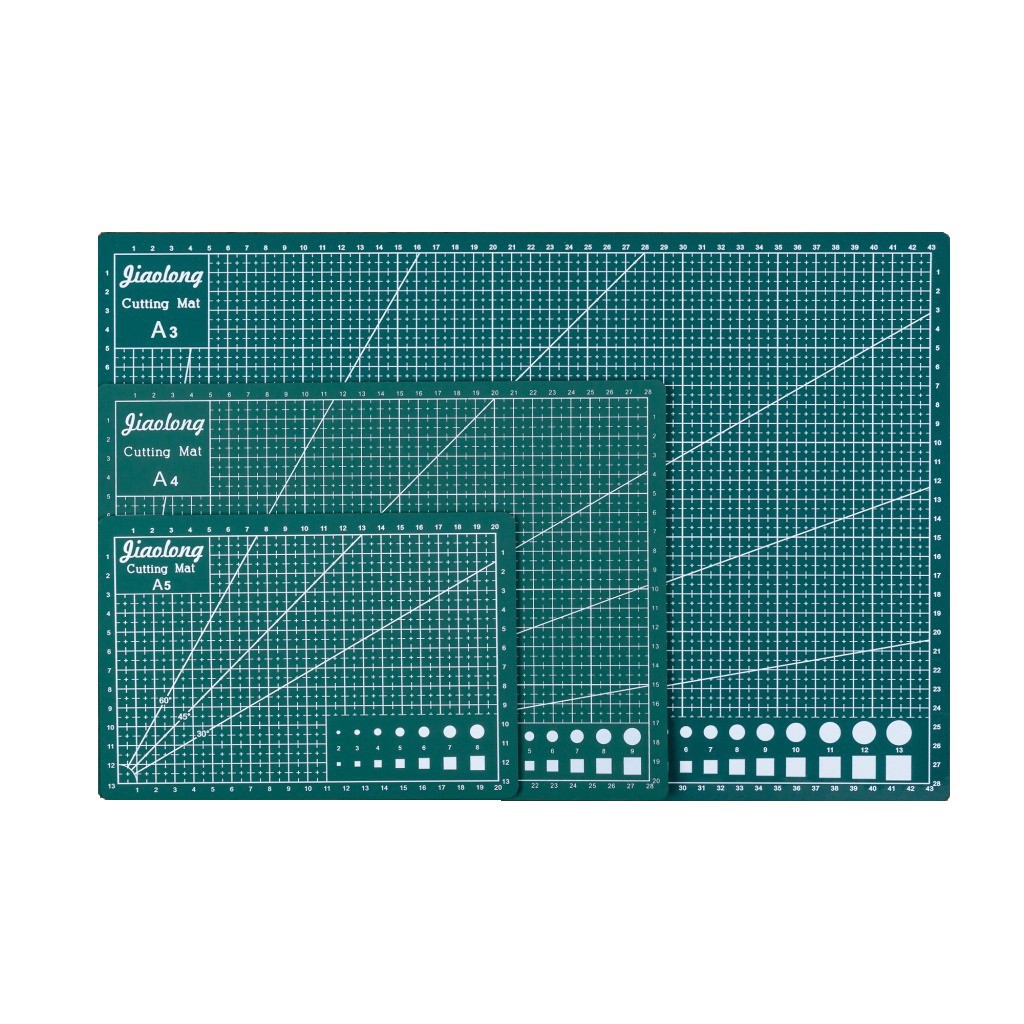
That’s where the cutting board comes in. It is easy to clean, double as a hobby surface, and all those markings actually help in making desktop videos. It may look busy, but the grid can be used to centre my shots and gives a sense of scale.
Sometimes the phone is too high for me to see, so as long as I make sure the subject is in the centre of the mat, it will be at the centre of the shot.
I like this particular cutting mat because it is large (I bought the A3 size), the colour is pleasant enough on camera, the markings are clear, and it is double-sided.
The Complete Setup
It took a while for me to get all the things together and I made mistakes along the way. My first and biggest mistake was substituting the IKEA lamps with a pair of ring lights that came with the Puluz Photo Soft Box.
IKEA was in lockdown and they weren’t shipping and I took weeks hunting down an honest seller that would sell me the Puluz Photo Soft Box. When I got it weeks later the lights were not even sufficient enough to light up the photo softbox properly.
It was serviceable, not as versatile, low quality, and an incredible waste of time. However, I still use the photo softbox today with the IKEA lights.
My second mistake was substituting the cutting mat for a silicone mat. The idea was that I wanted a plain desktop surface that is not black. Those electronics silicone mats are very useful, they are heat resistant, easy to wash. and have compartments to hold little parts. I could use that for my hobby.
The thing is, a cutting mat is a better fit for what I am doing. It looks better too. Plus it was easier to buy the cutting mat. There were so many sellers selling silicone mats with such a wide price range, and all for the same thing. It felt scammy.
Still, the silicone mat I purchased is now used as the surface where I put all my hobby tools on when shooting a video.
My third mistake was not doing enough research. Watching tutorial videos and some reading helped a lot. That was how I found out that iMovie was so useful and how framing and depth of field play a big role in talking head videos.
Knowing what to look for help in doing research as going too deep may lead to paralysis and not actually doing the work.

