
The Initial Setup
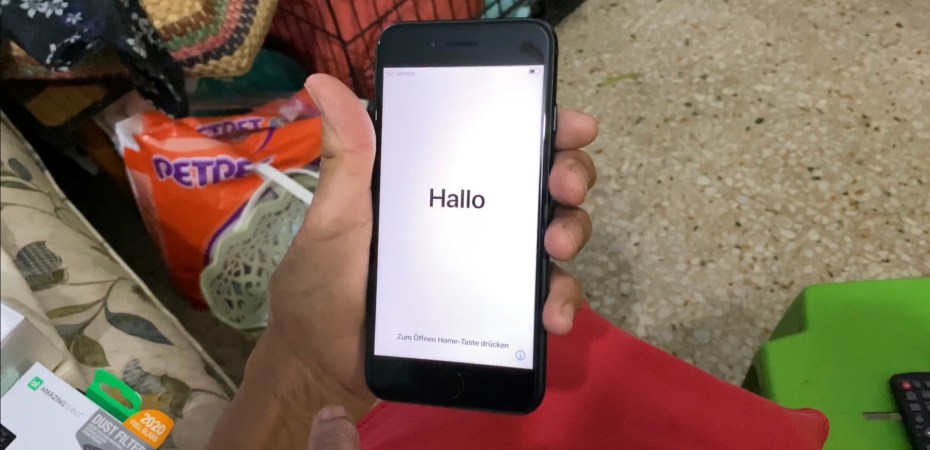
The first thing I did when I got home was to pass mom the iPhone SE. And before I could think about how to record her unwrapping the phone, she had already taken the phone out. This was her first day with the device.
The first thing we needed to do was, of course, setting it up.
Most of the initialisation process was easy enough. Read the prompt, answer the questions, and set up the finger print reader. It was easy enough for my mom to do it own her own. With a little bit of coaching.
Our first hurdle was to create her iCloud account. This is was one of the important steps. We tried a few variants, there are a lot of iPhone used out there, but we settled on one name and we continue on.
My mom, like most people setting up their phones with a finger print reader for the first time did not understand the concept of lifting and placing a finger on the reader multiple times and at different angles. That was our second hurdle.
The third was the worst. It was the last bit of setup that she had to do. Setting up Siri, Apple’s voice assistance. The prompt to set it up appears on the screen. It clearly said “Hey, Siri”, which is something you would say to activate the feature, also something the phone needs to hear you say to recognise you.
My mom promptly said to the phone, “Hello, Sir”.
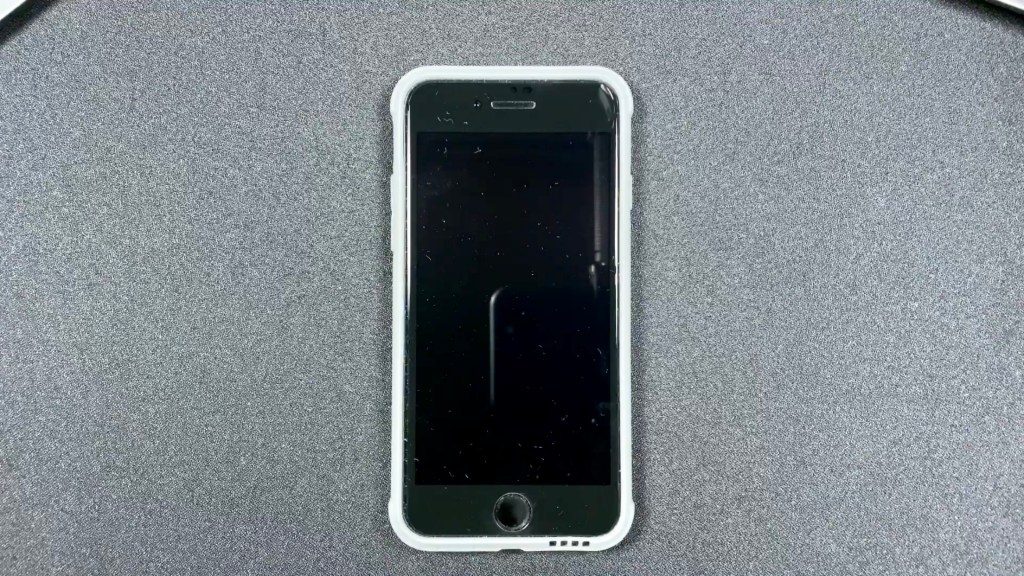
I took the phone and told her I will do the rest. I updated iOS, included her in the family setting, put the phone in its new case, and applied the screen protector. Cases and screen protectors are not for everyone, but when it come to my mom, it is a must if you want the phone to survive.
Day 1
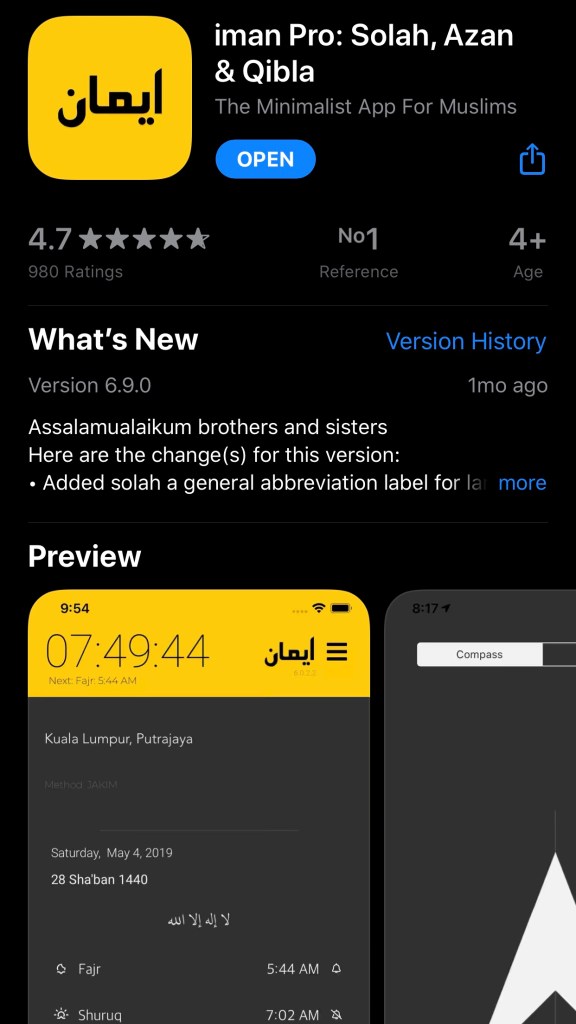
All of her important apps like instant messengers, banking app, and food delivery app has been installed. I even threw in iman Pro, a paid reference app for Muslims. I like it for its fixed price, (not a subscription) clean minimalist design, lack of clutter and superfluous features, and because it works with the Apple watch.
In addition to figuring out how to used those apps, I got my mom to start using FaceTime, Find My, and Messages. Native iPhone apps that she would not find on her Android phone.
Day 2
After a full day of use, the iPhone SE is still functional with no issues, and with no cracks or physical damage. That is a big deal, because inanimate phones quake in fear at the mere mention of my mom. Phones just don’t survive in her “care”.
I was surprised that my mom liked the size of the phone. It is smaller than the iPhone 11 and even I thought is was nice.
I set the interface to zoom so she could see it better, but I thought the smaller screen would give her trouble. The smaller size, especially compared to her gigantic Android phone makes the device more portable and fits better in her hands better instead.
Before I left, we tried to go over a few of the features on in iPhone SE. There were even some things that I had to learn because the gestures used on the iPhone SE differs from the iPhone 11.
What’s next?
The next time I see her it will be two weeks later. That is plenty of time for my mom to find a few issues with the phone. Heck she might even break a thing or two. We’ll see.

